TBDynamicTrader
Ratings and reviews
Changelog
Version: 3.9.2
Features
New: Sell only full stacks
New per-item option "Sell only full stacks" in the admin item editor.
- When enabled, stackable items (e.g. Rags, ammo) can only be sold as a full stack
- The required amount is the item's max stack size – Rags stack to 3, so players must sell 3 at once
- Partial stacks show "Only full stacks can be sold (3)" instead of the Sell button
- Also applies to "Sell selected" – partial stacks are skipped, everything else still sells
- Default is off, so existing items behave exactly as before
Config field: "sellOnlyFullStack": 0 / 1 in TraderItemConfigs/*.json
Existing item configs are updated automatically on server start.
Fixes
- Mouse wheel scrolling now works in the inventory and offered items lists even when the cursor is between two items
Version: 3.9.1
Improvements
- license system has been improved
Requires min. TBLib 5.37.0
Version: 3.9.0
Feature
- Supports Dayz 1.30
- add Motorbikes support
Version: 3.8.0
Features:
- Add support for TB Vehicle Lock System
Version: 3.7.0
Features:
- add Pagination to inventory items view, if player has more then 200 Items
Improvment
- add new config
maxBuyCountto Item config, default is 20 and will set automatically to all TraderItemConfigs. This value describe how many items a player can buy in one transaction. This was before 999. This can bring server to crash, if player buys that much items at once
Revolutionize your DayZ server economy with dynamic pricing, stock management, and comprehensive admin tools in a modern, user-friendly interface! 🚀
Migration tools you can use to migrate your old Trader configurations (Trader/TraderPlusPlus/Expansion Trader) to this one.
🌟 TBDynamicTrader - Feature List
🛒 Core Trading Features
💰 Trading System
- Buy & Sell Items: Complete trading system allowing players to buy and sell items at trader points 🤝
- Dynamic Pricing: Prices adjust based on item storage levels (for storage items) 📉📈
- Buy prices increase as stock decreases
- Sell prices decrease as stock increases
- Multiple Currencies: Support for different currency types per item 💵
- Item Quantity System: Configurable quantity per item transaction 🔢
- Sell Tax: Configurable tax percentage applied to item sales at each trader point 💸
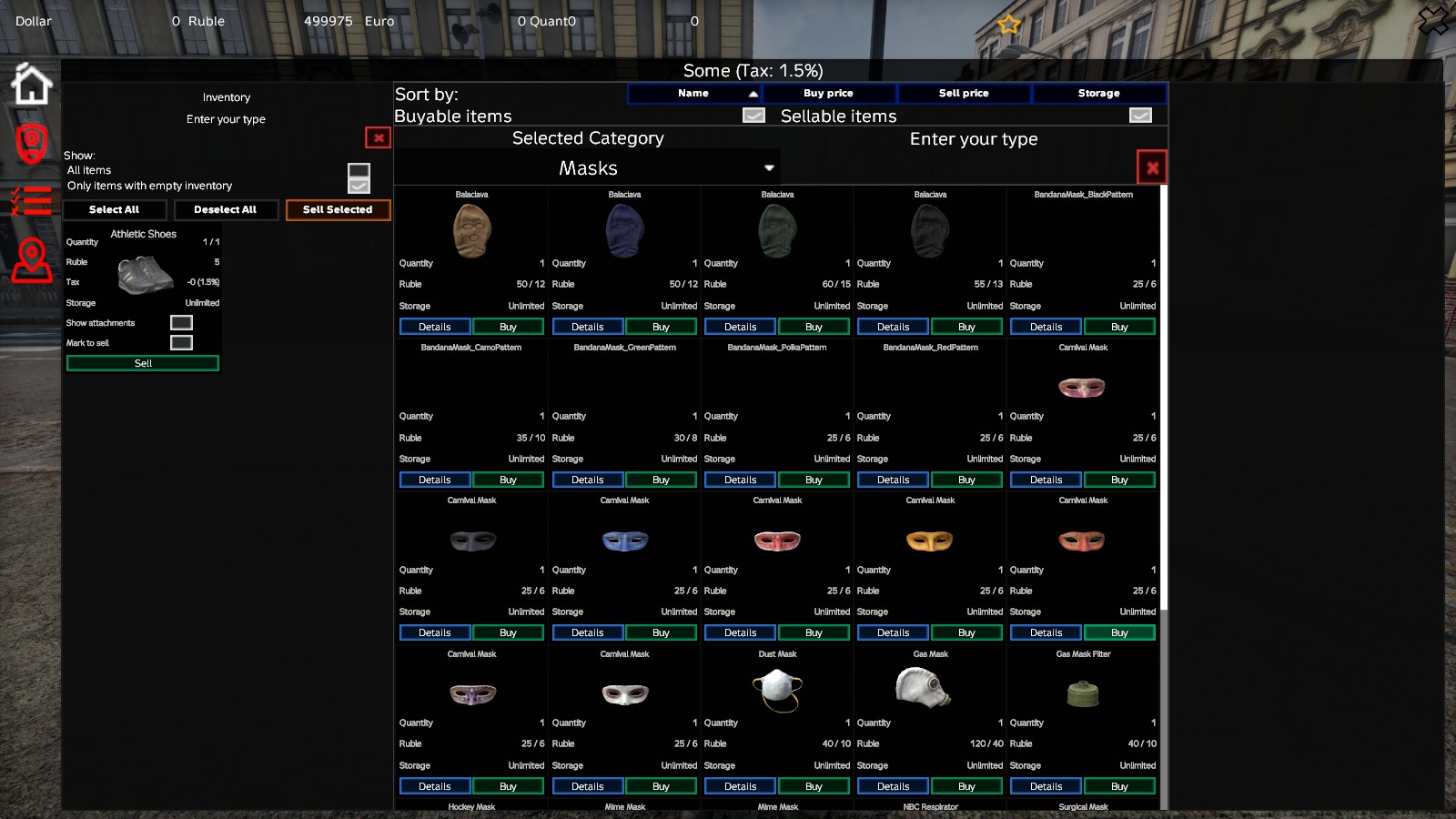
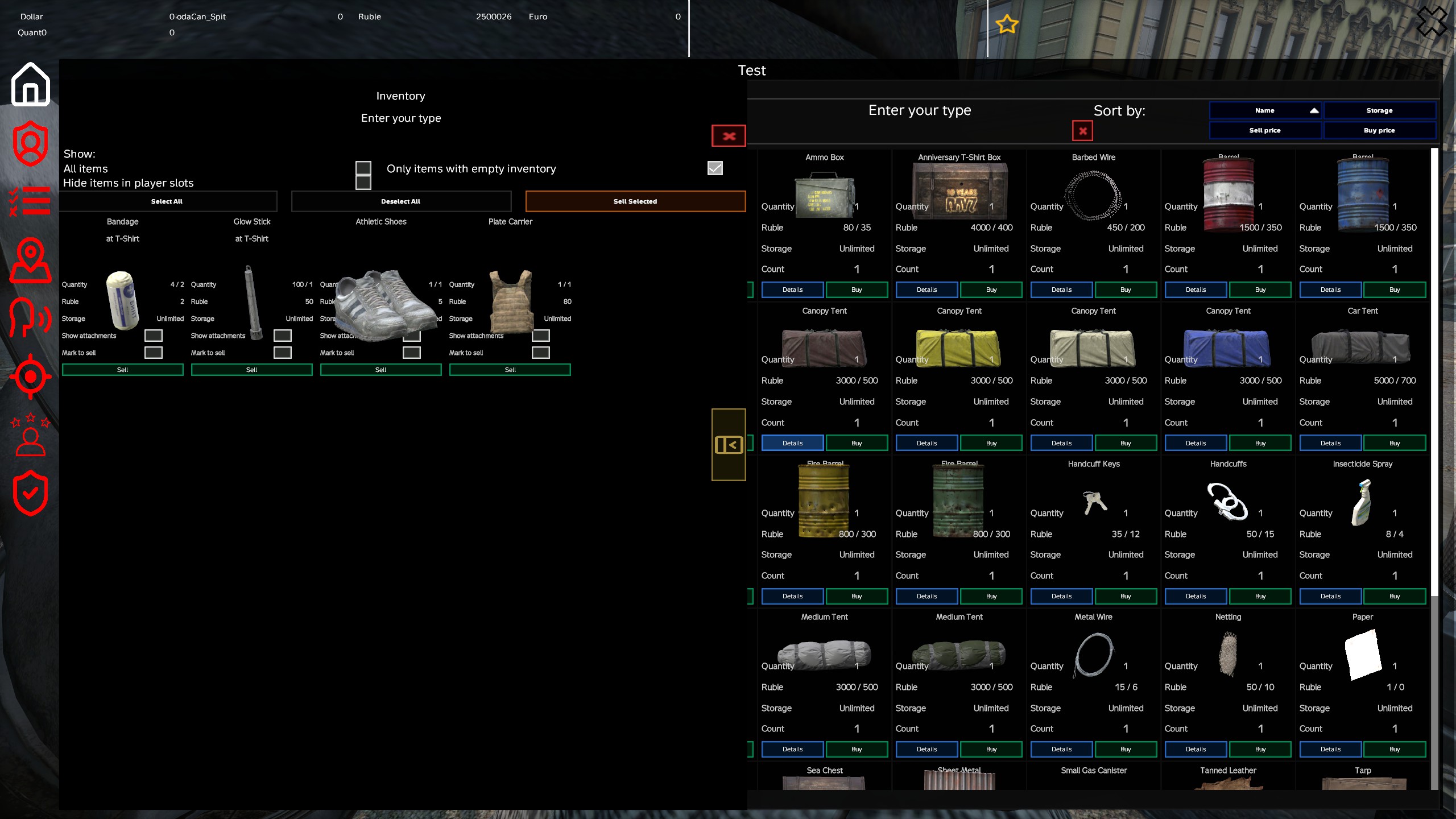
- Multi-Sell: Select and sell multiple items at once from your inventory for faster trading 📦
🏆 Reputation System
- Optional Reputation System: Added an optional reputation system for buying and selling items 🏅
- Reputation Requirements: Configure positive or negative reputation range required to buy or sell an item ⚖️
- Reputation Rewards: Configure reputation points awarded to a player when buying or selling items 📈
- User Interface Integration: Player's reputation is displayed in the trade menu if an item in the current category requires a specific reputation 👁️
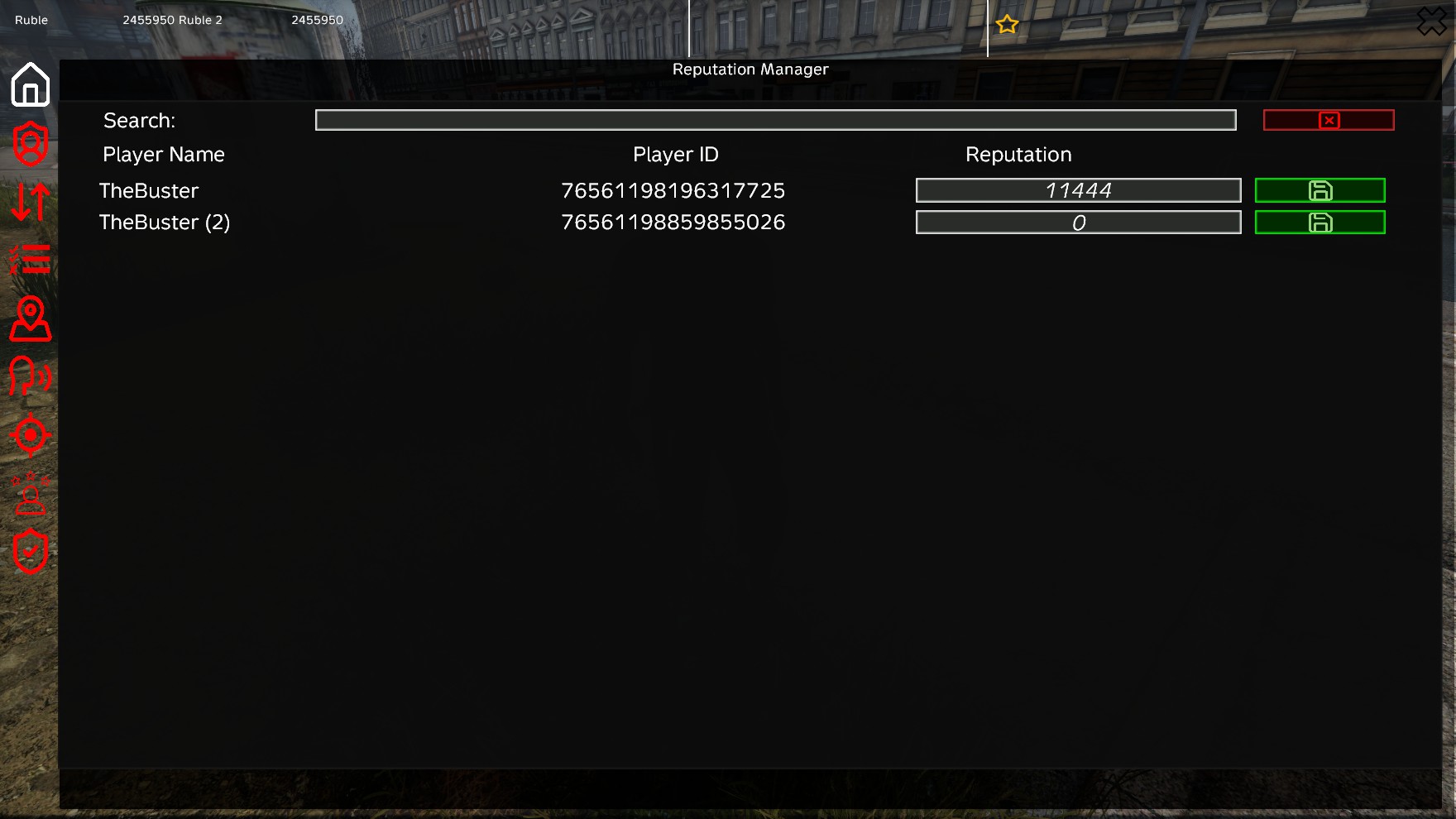
- Admin Controls: Dedicated Admin menu to manually set a player's reputation 👑
- Developer API/Interface: Interface allowing other mods to utilize and integrate with the reputation system 🔌
📋 Item Management
- Fluid Type Verification: Prevents items with incorrect fluid types from being sold (e.g., selling water in a gasoline canister) 🛢️
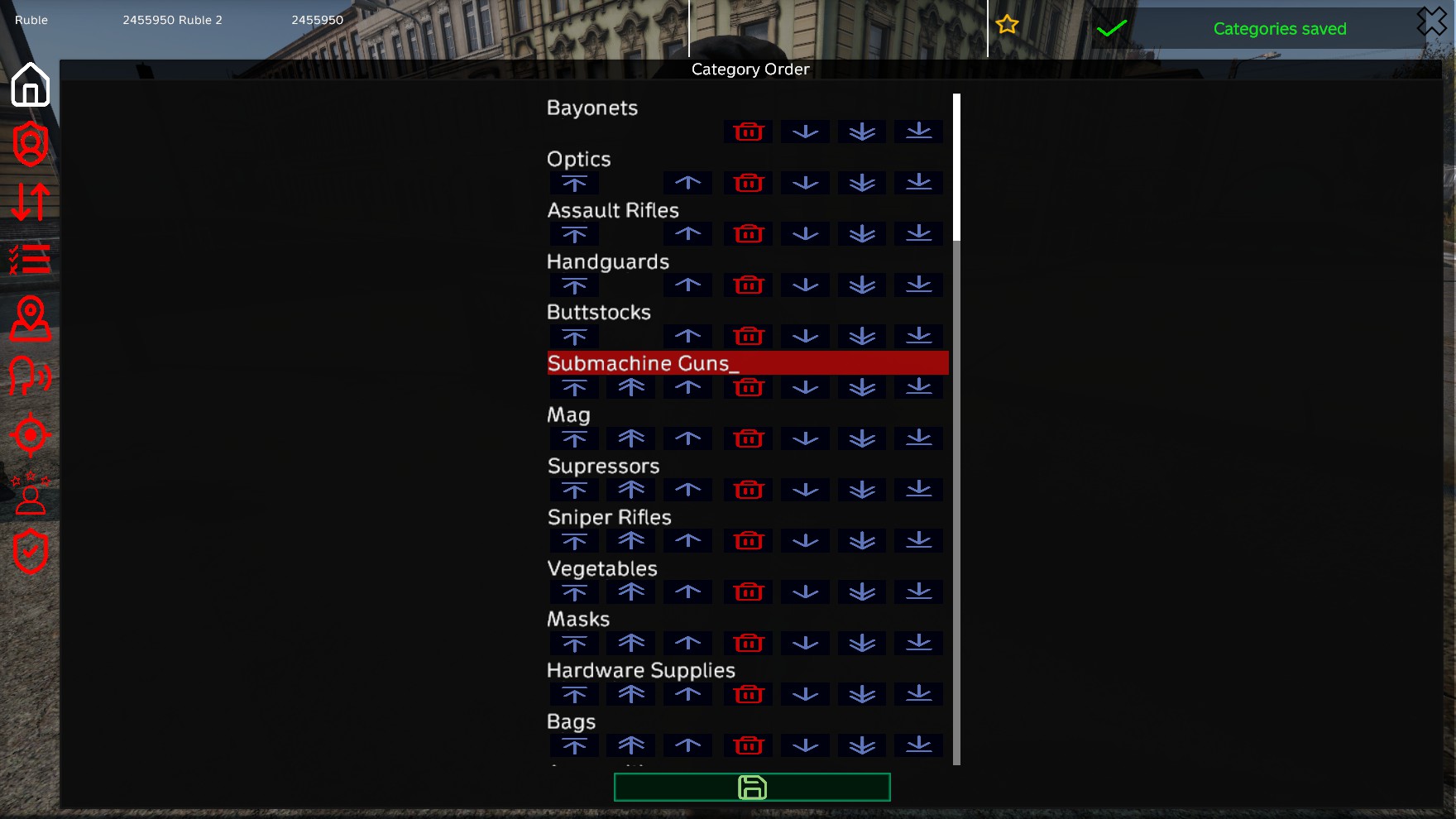
- Item Categories: Organize items into custom categories with configurable ordering 📂
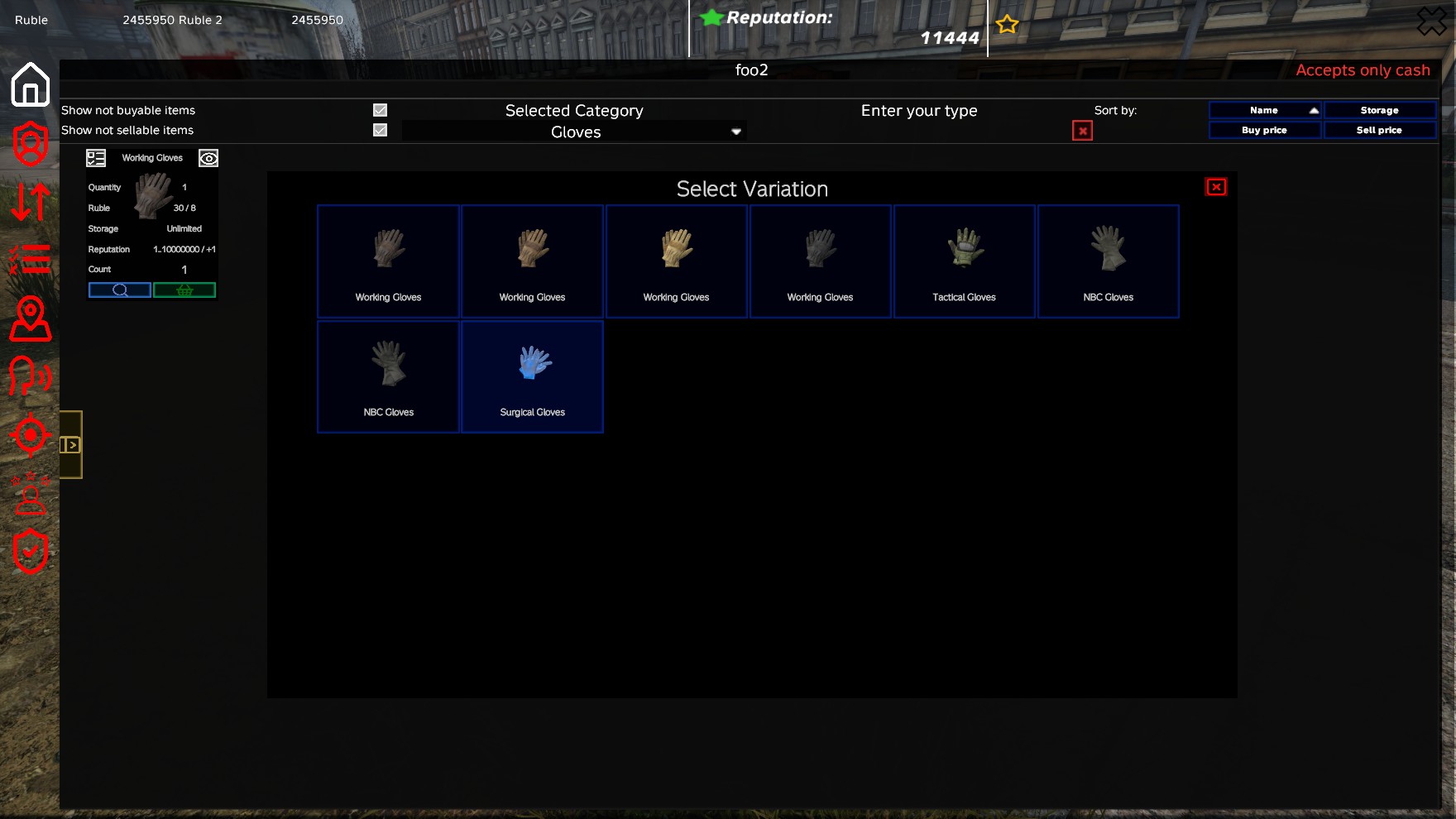
- Item Variations: Support for item variations (different variants of the same base item) 🎨
- Deep Spawning System: When purchasing a weapon configured with a magazine, and that magazine is configured with ammo, it will spawn the weapon, the magazine, and all ammo inside. This complete spawning behavior applies consistently to all configured items 🔫
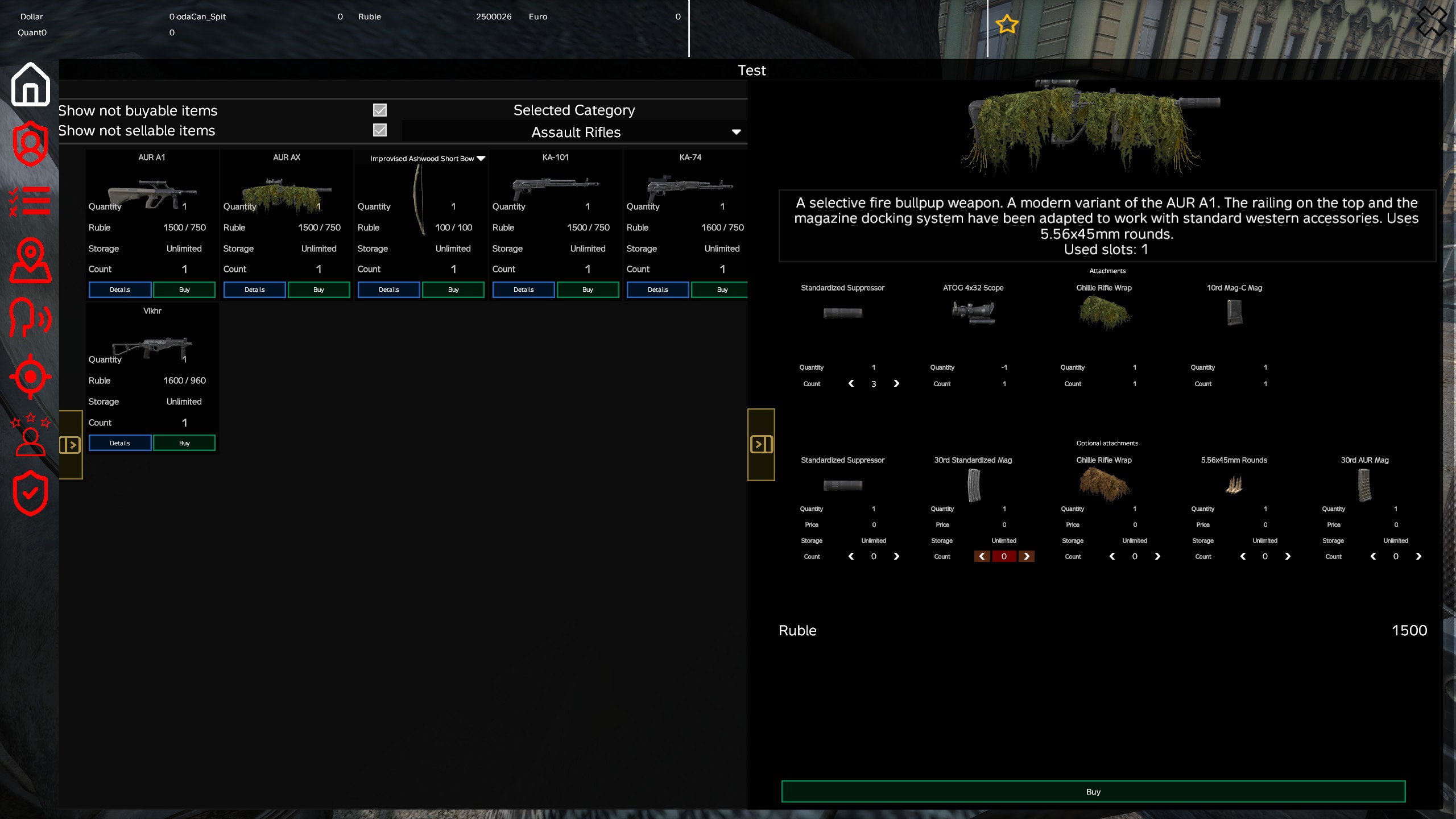
- Item Attachments: 🔫
- Required attachments (automatically included with purchases)
- Optional attachments (player can choose to add)
- Configurable maximum counts for attachments
- Item Search: Search functionality to find items by name, type, or unique identifier 🔍
- Item Preview: Visual preview of items with attachments before purchase 👁️
- Stack Selling: Players can sell single items from a stack 📦
- Auto-Stacking: Items will automatically stack in player inventory if the same type already exists (ruined item stacks are ignored) 📥
📦 Storage System
- Storage Items: Items can be configured as storage items with limited stock 🏭
- Dynamic Stock Management: 📊
- Stock decreases when items are purchased
- Stock increases when items are sold
- Automatic price adjustment based on stock levels
- Storage Limits: Configurable maximum storage capacity per item 🛑
- Ignore Storage Limits: Options to ignore storage limits when players buy or sell items 🔓
- Automatic Fill/Empty: Option to fill or empty the storage upon server restart or configuration reload 🔄
- Storage Reduction: Automatic stock reduction/increase over time (configurable tick system) ⏳
- Storage Persistence: Storage data saved and loaded automatically 💾
🏪 Trader Point Management
📍 Trader Point Configuration
- Multiple Trader Points: Support for unlimited trader points across the map 🗺️
- Custom Positioning: Configure exact position and orientation for each trader point 🧭
- Location Naming: Custom unique names for each trader location 🏷️
- Display Names: Trader Positions have display names, allowing different positions to share the same name visible to players 🏷️
- Category Ordering: Customize the display order of categories at each trader point 🔢
- Dynamic Spawn Points: Support for multiple coordinates per trader location, allowing traders to spawn in different spots 🎲
- Persistent Locations: Active trader positions and jump timers are saved across server restarts to maintain consistent positions 💾
- Position Change Notification: Configurable option to display the name of the new trader position in the server notification when a trader changes its position 🏷️
🤖 NPC Configuration
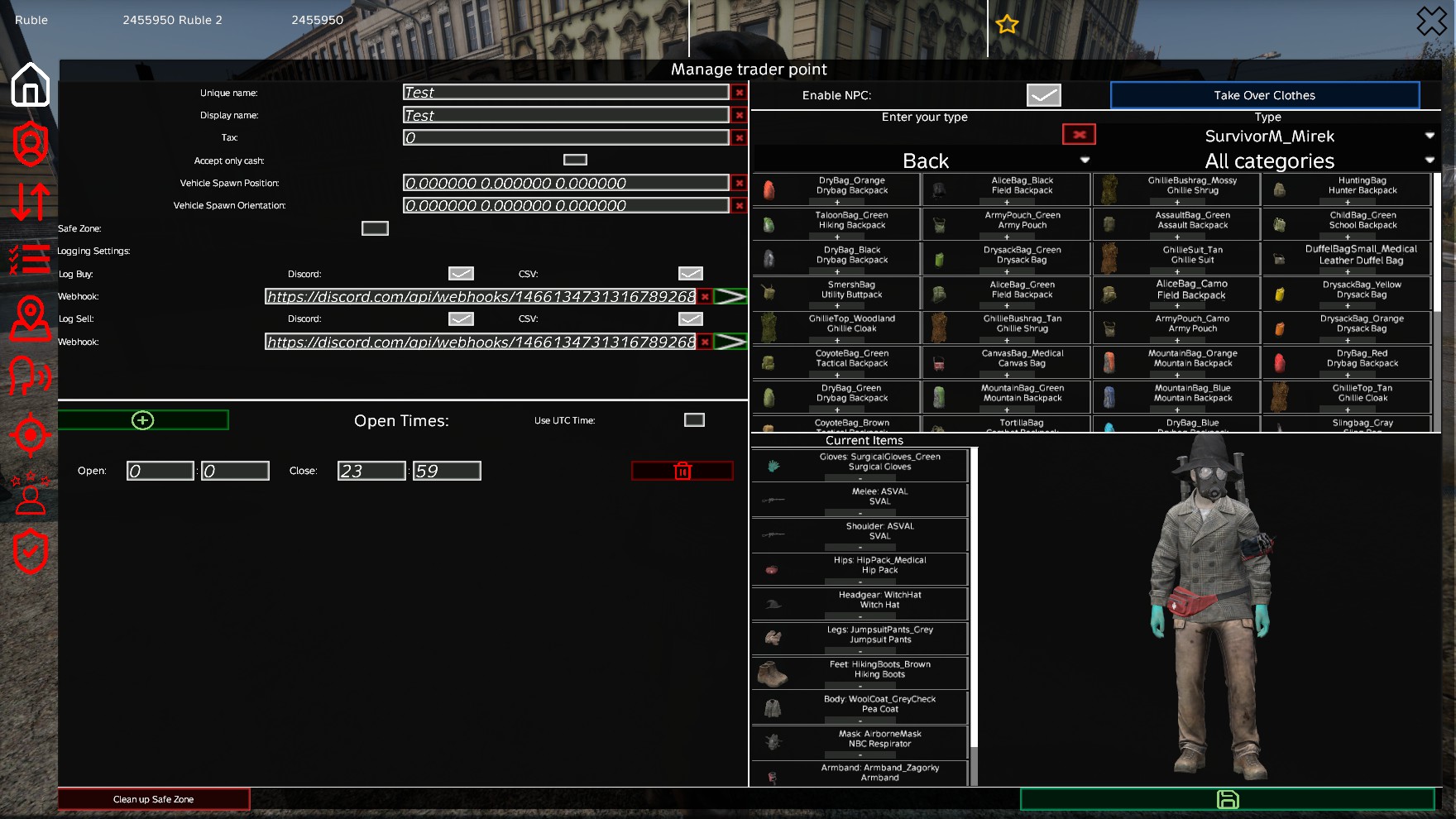
- Flexible NPC Usage: Use and configure NPCs via the In-Game GUI or directly in the Config files 🛠️
- Easy Integration: Seamlessly add NPCs to your trader points 🤝
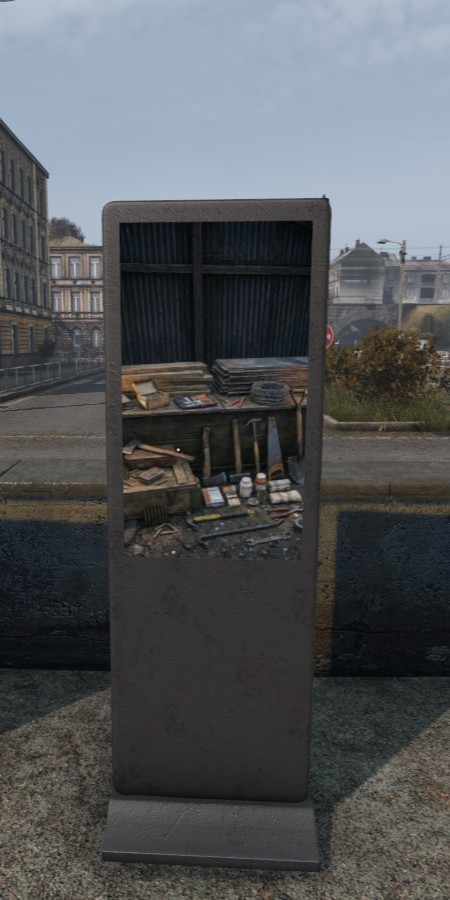
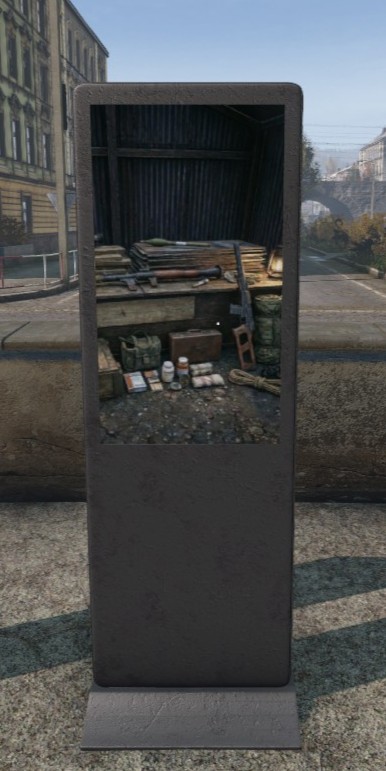
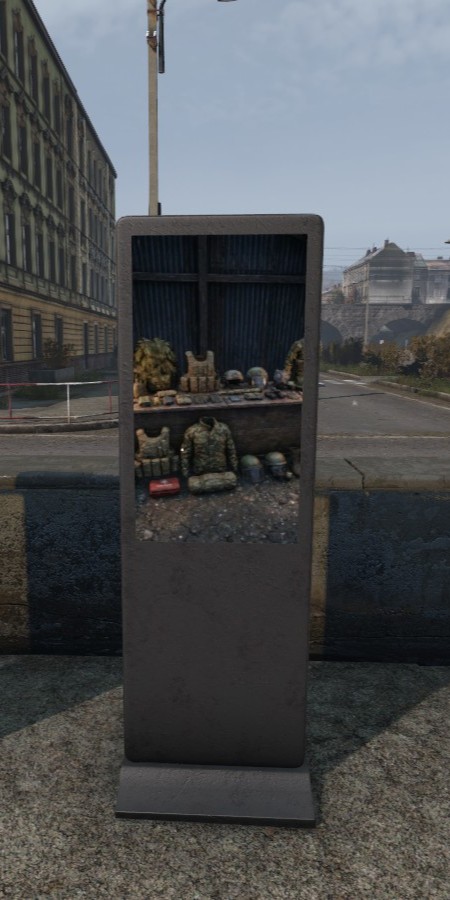
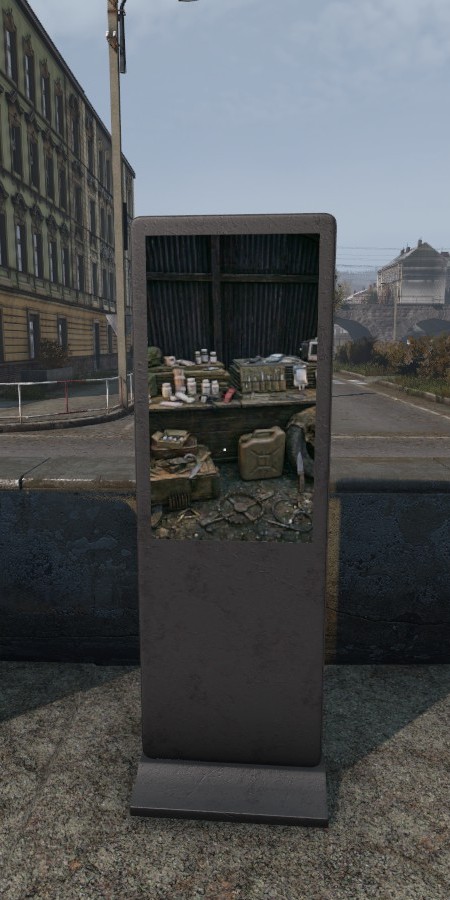
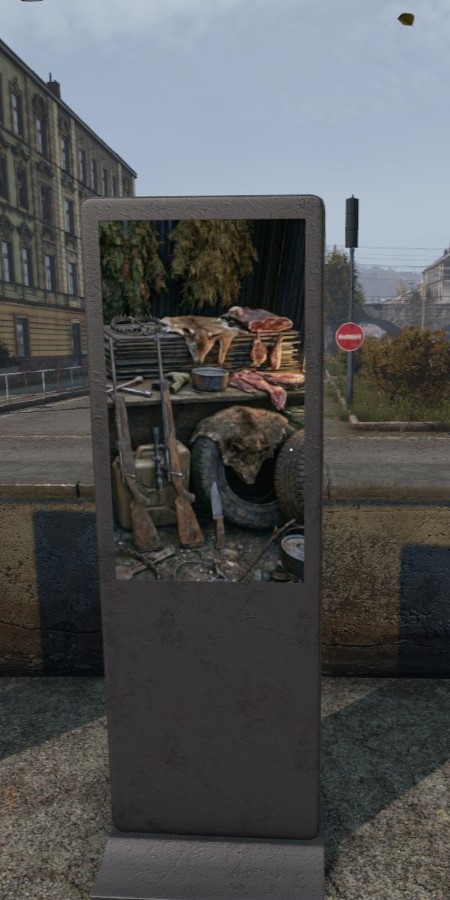
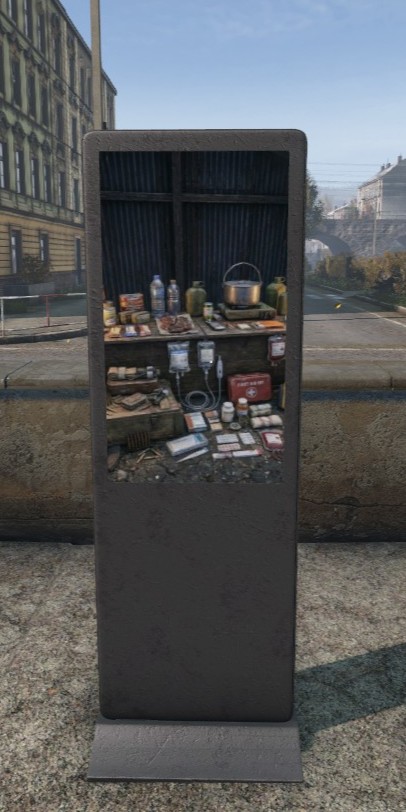
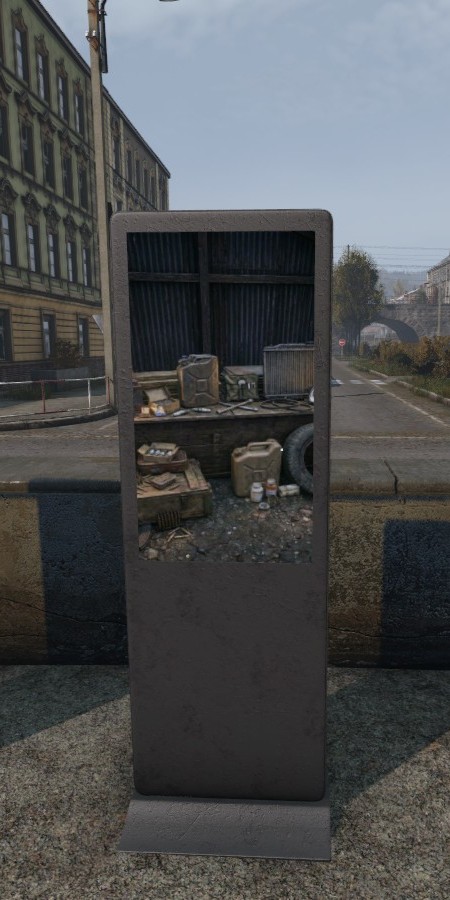
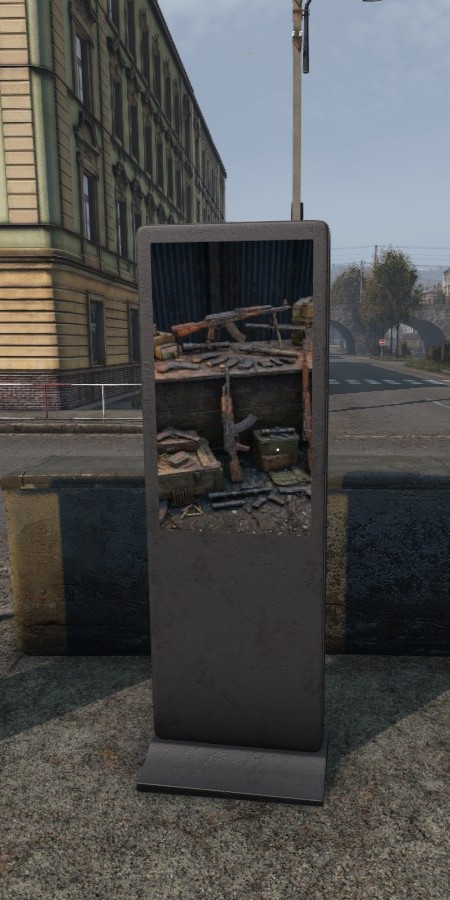
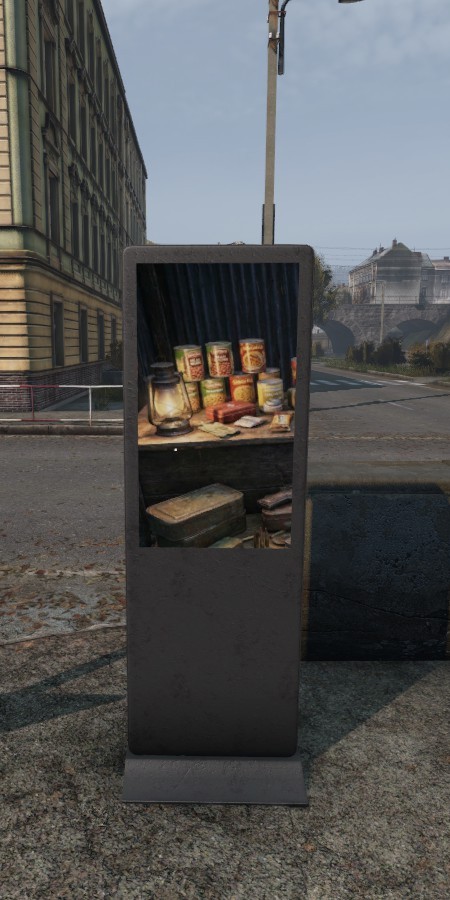
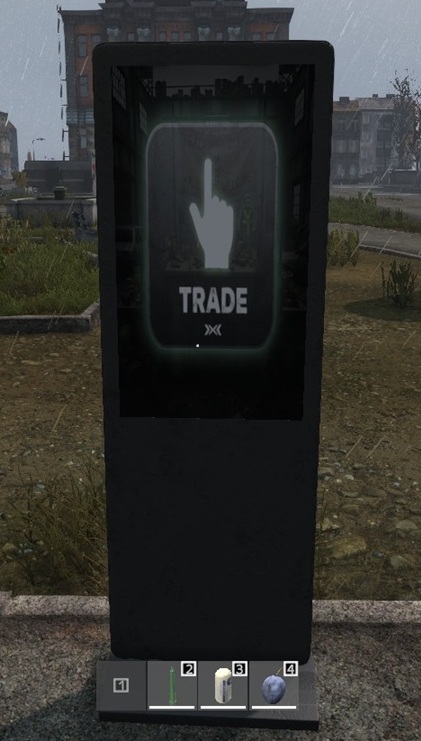
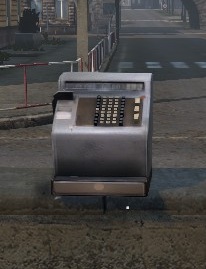
- Vending Machine Support: Enhanced support for vending machine traders with custom models, including full compatibility with the BetterVendingMachines mod 🏪
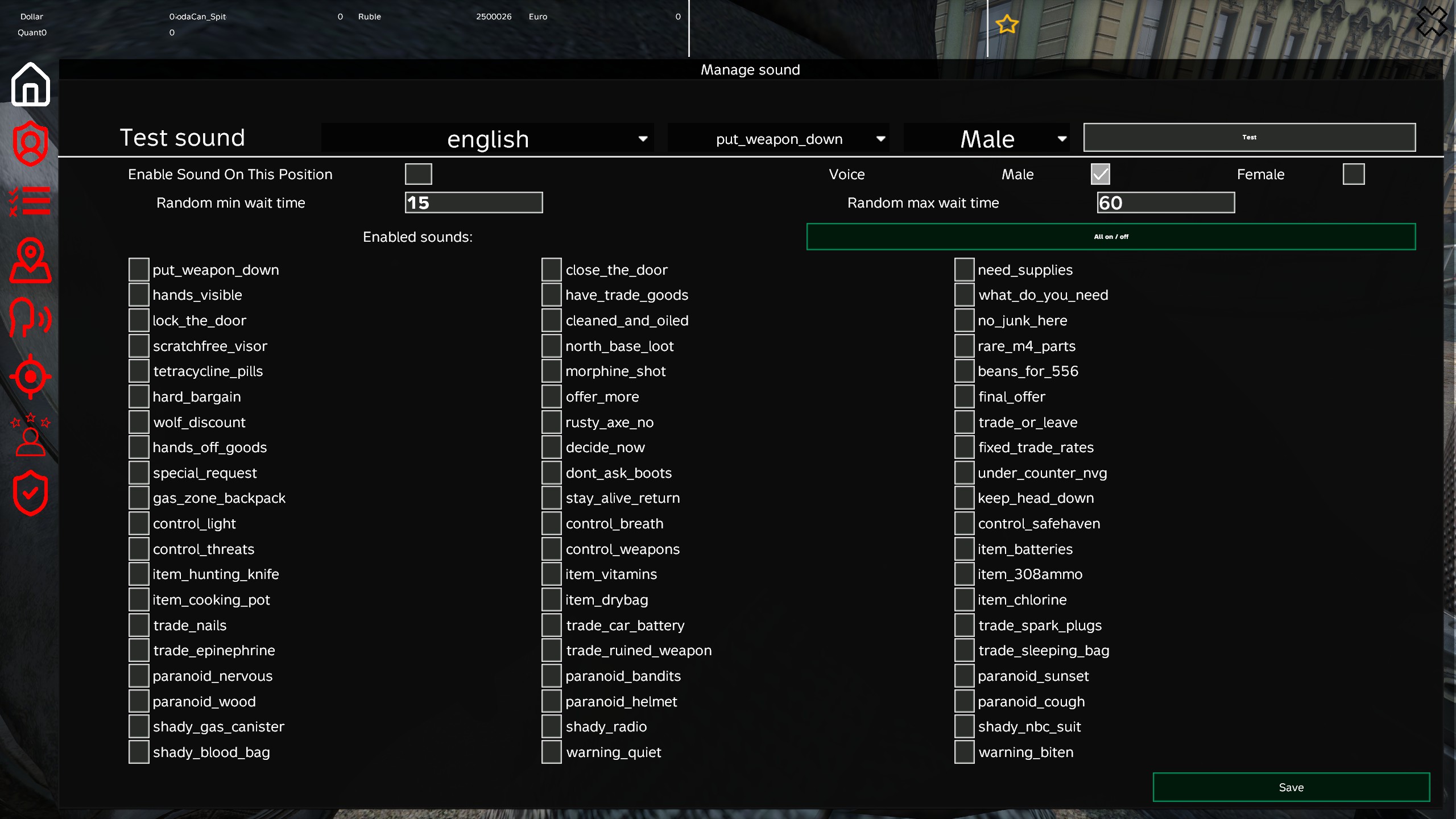
- Trader Speech System: Trader positions (NPC) can now speak 🗣️
- Extensive Sound Library: 60 different sound phrases in all available Dayz languages male and female (1560 sounds)
- Localized Audio: Sound is always in user language
- Irregular Talk: Random times for sound can be configured, so the NPC talks irregular
- Management: Test and config of all sounds are in sound menu
- Modding Support: Possibility to add your own sounds if you have modding experience (See
TBTDSoundCollection.cAddSoundandAddAnotherLanguageForSound)
🕒 Operating Hours
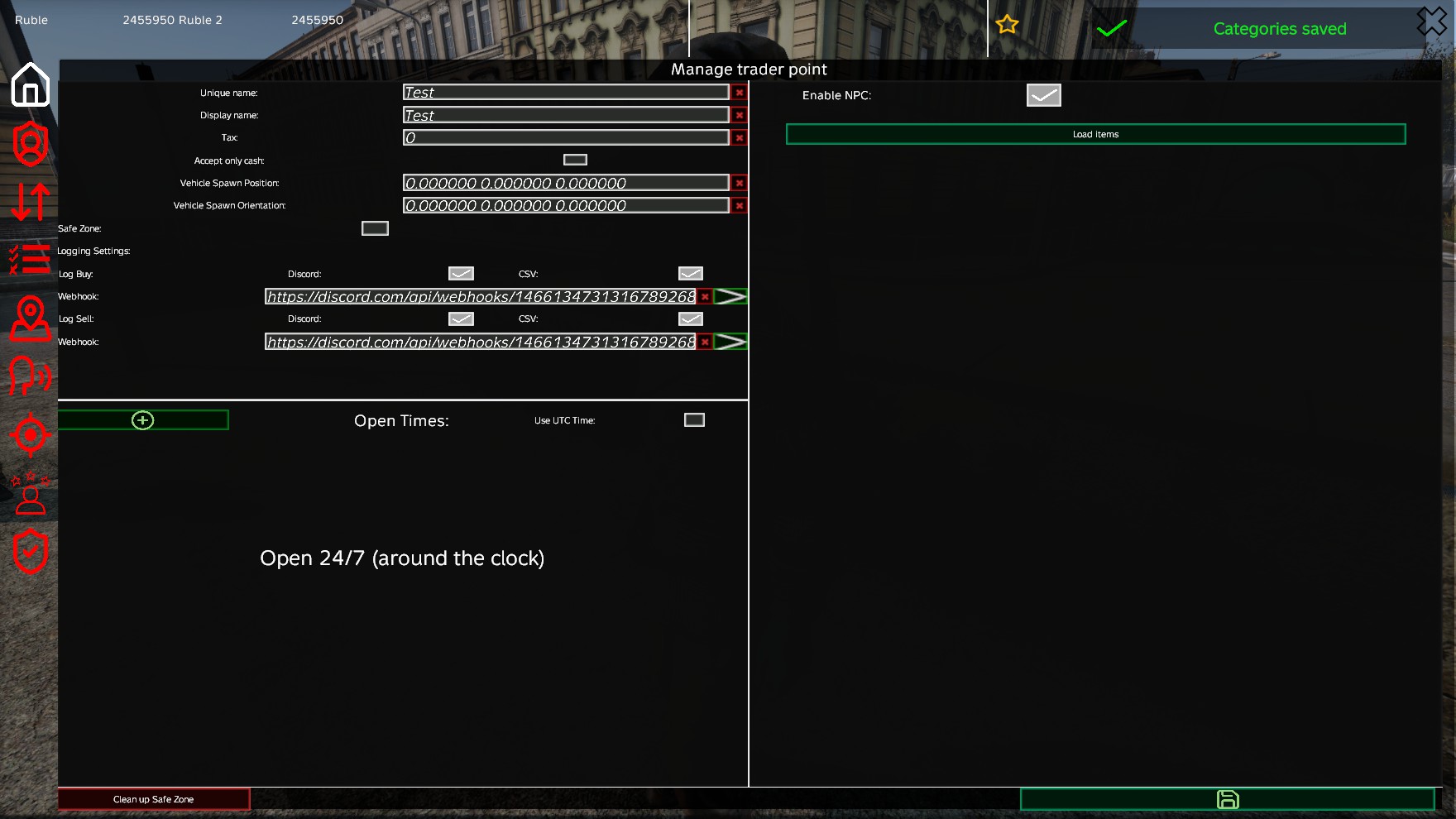
- Open Times: Configure multiple open/close time windows per trader point ⏲️
- 24/7 Mode: Option to keep traders open 24/7 🏪
- UTC Time Support: Option to use UTC time instead of local server time 🌍
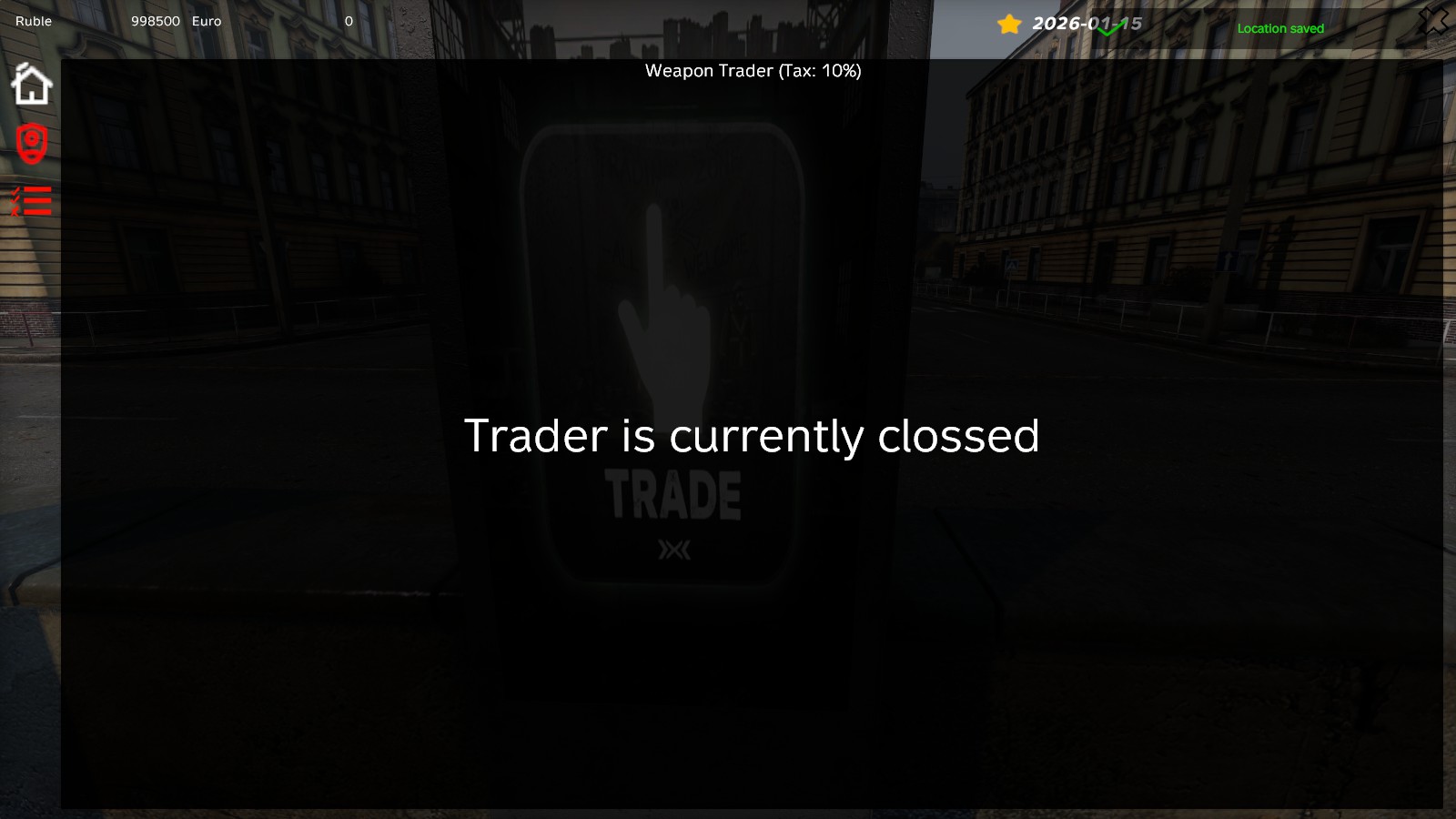
- Time-Based Access: Traders automatically close during configured hours 🔒
🛡️ Safe Zones
- Safe Zone System: Configurable safe zones around trader points 🏰
- Damage Protection: Players and vehicles (cars, boats and, from DayZ 1.30, motorbikes) take no damage while in safe zones 🛡️
- AI Targeting Protection: AI will not target or attack players inside the safe zone 🚫🧟
- Configurable Radius: Set custom safe zone radius per trader point 📏
- Enter/Exit Notifications: Players receive messages when entering/leaving safe zones 💬
- Exit Timeout: Configurable grace period (timeout) before protection is lost after leaving ⏱️
- Automatic Entity Removal: Option to automatically remove Infected, Animals, and AI from the zone 🧹
- Safe Zone Clean Up: Clean up discarded items on the ground inside safe zones 🧹
- Clean Up Triggers: Automatically perform safe zone clean up at server start or during configuration reload (if enabled) 🔄
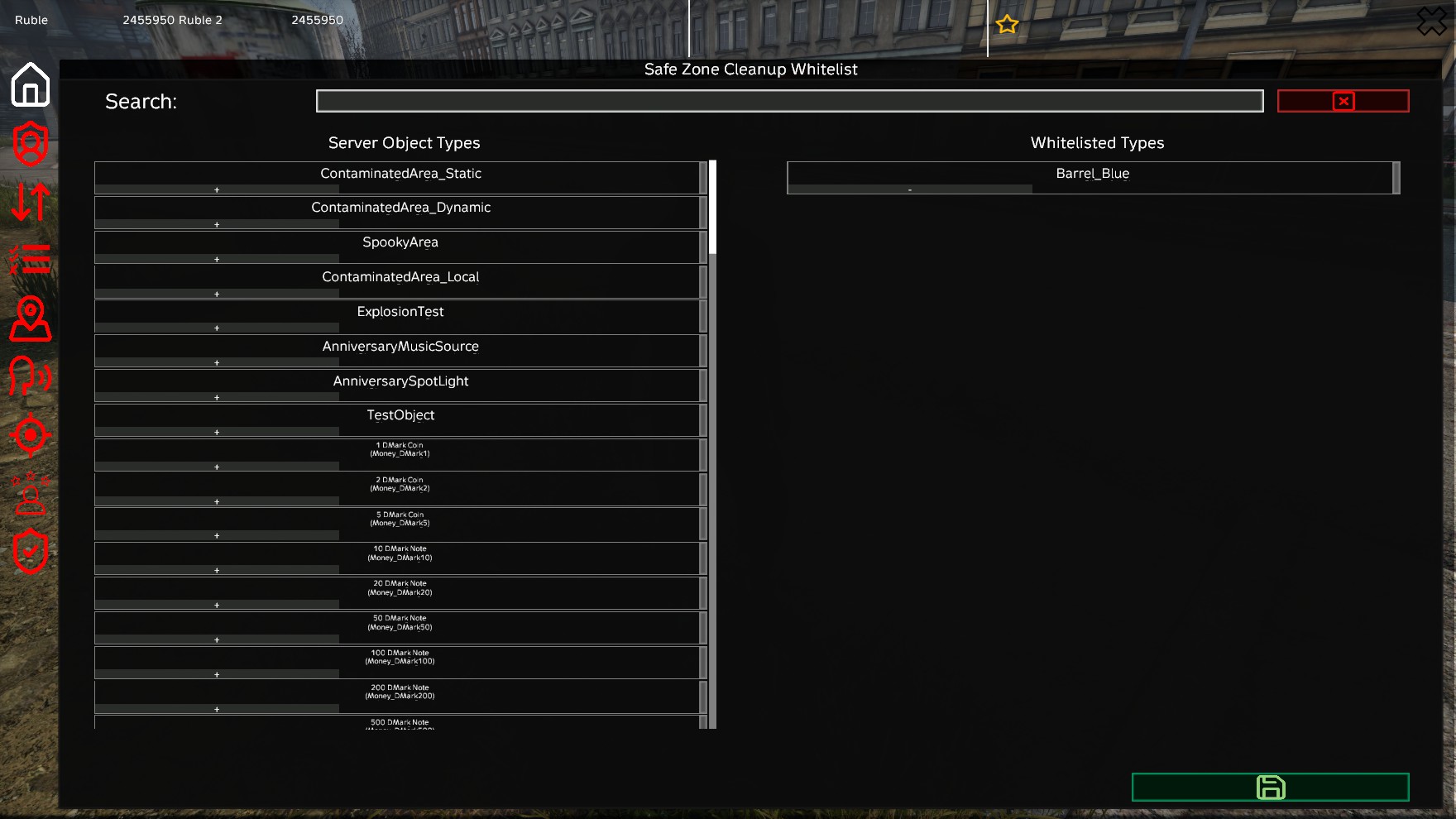
- Clean Up Whitelist: Whitelist specific item types to prevent them from being deleted during clean ups 🛡️
- Action Restrictions: Prevents aggressive actions, restraining, and medical interactions in the zone 🔒
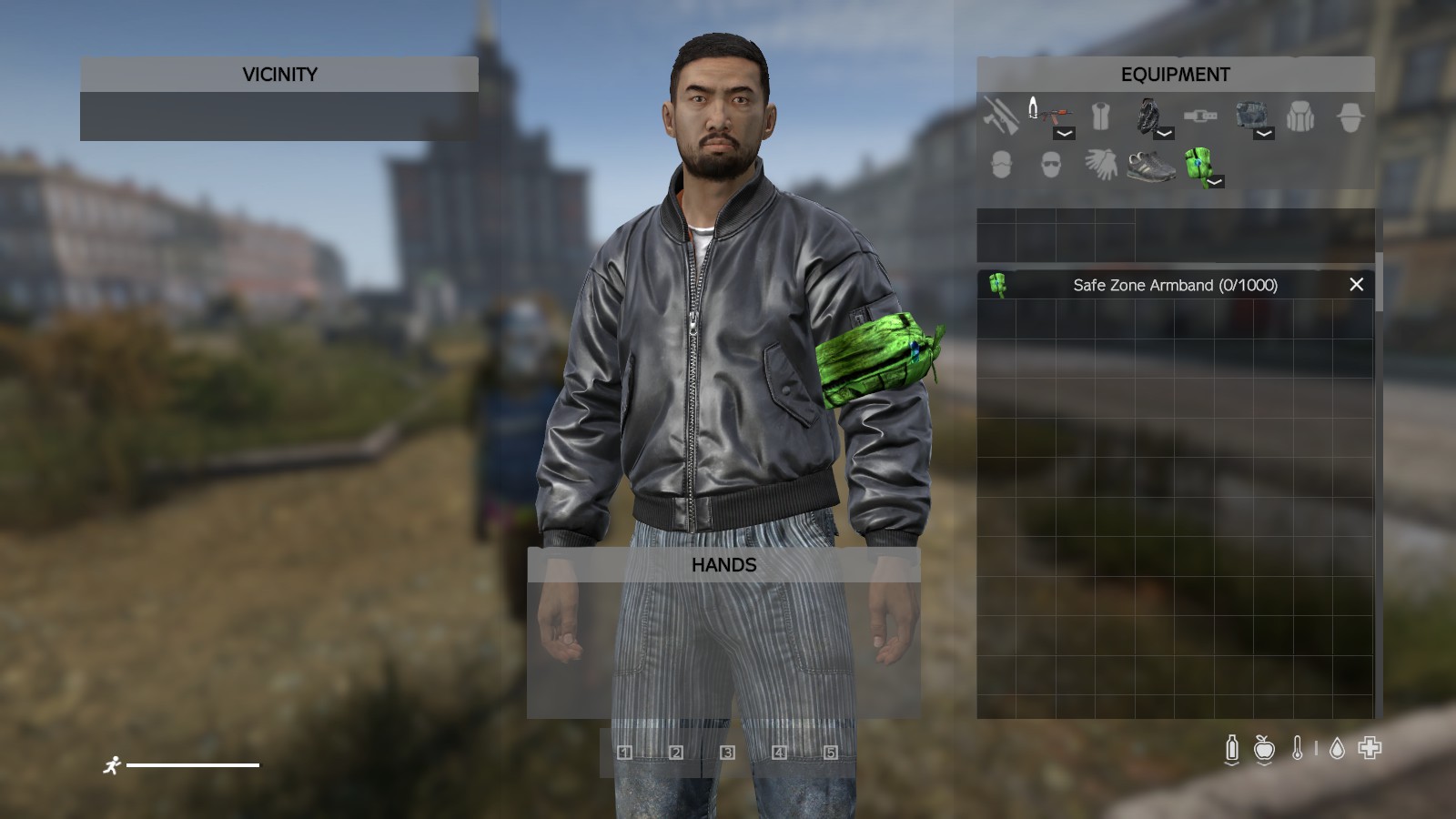
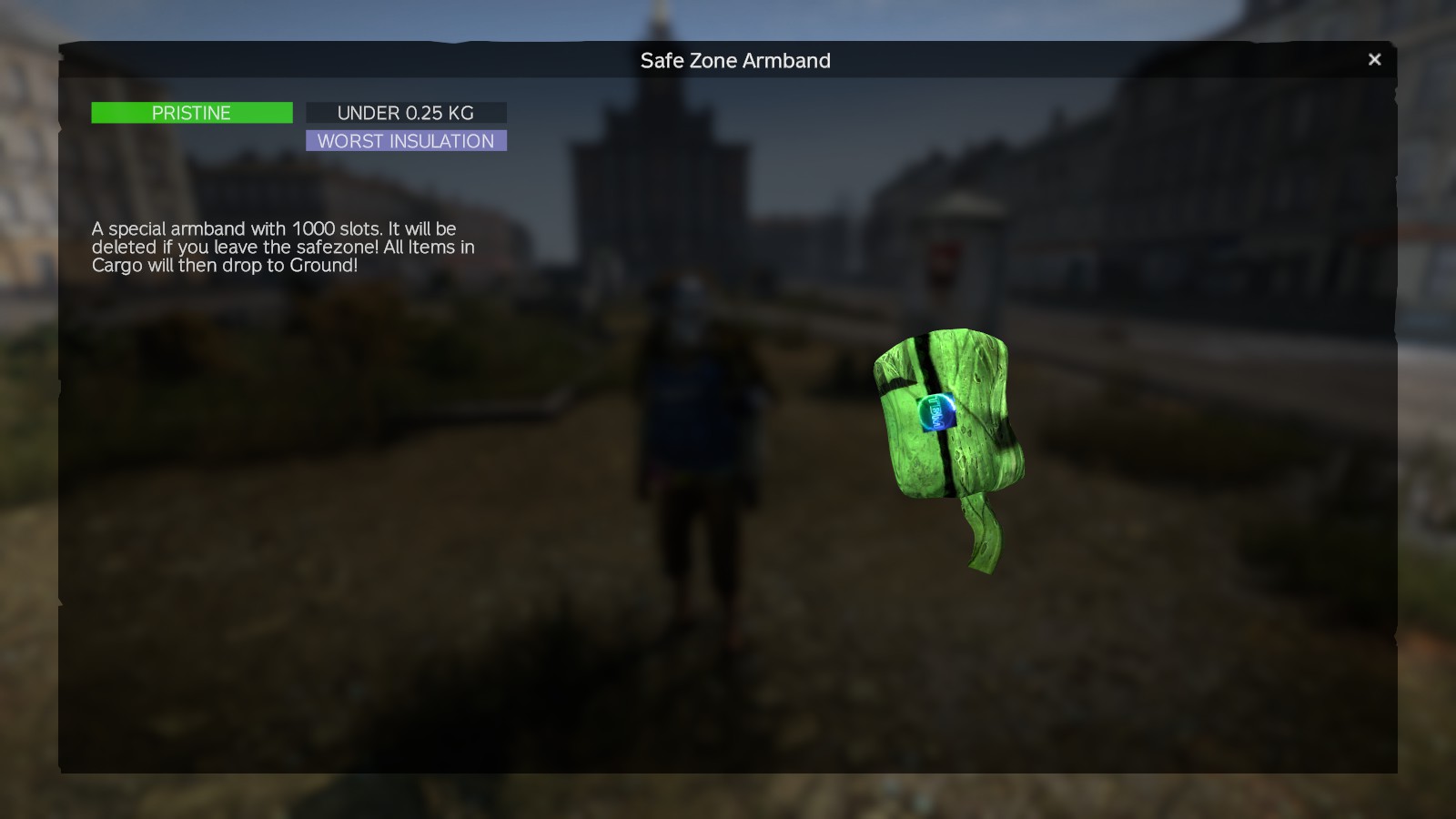
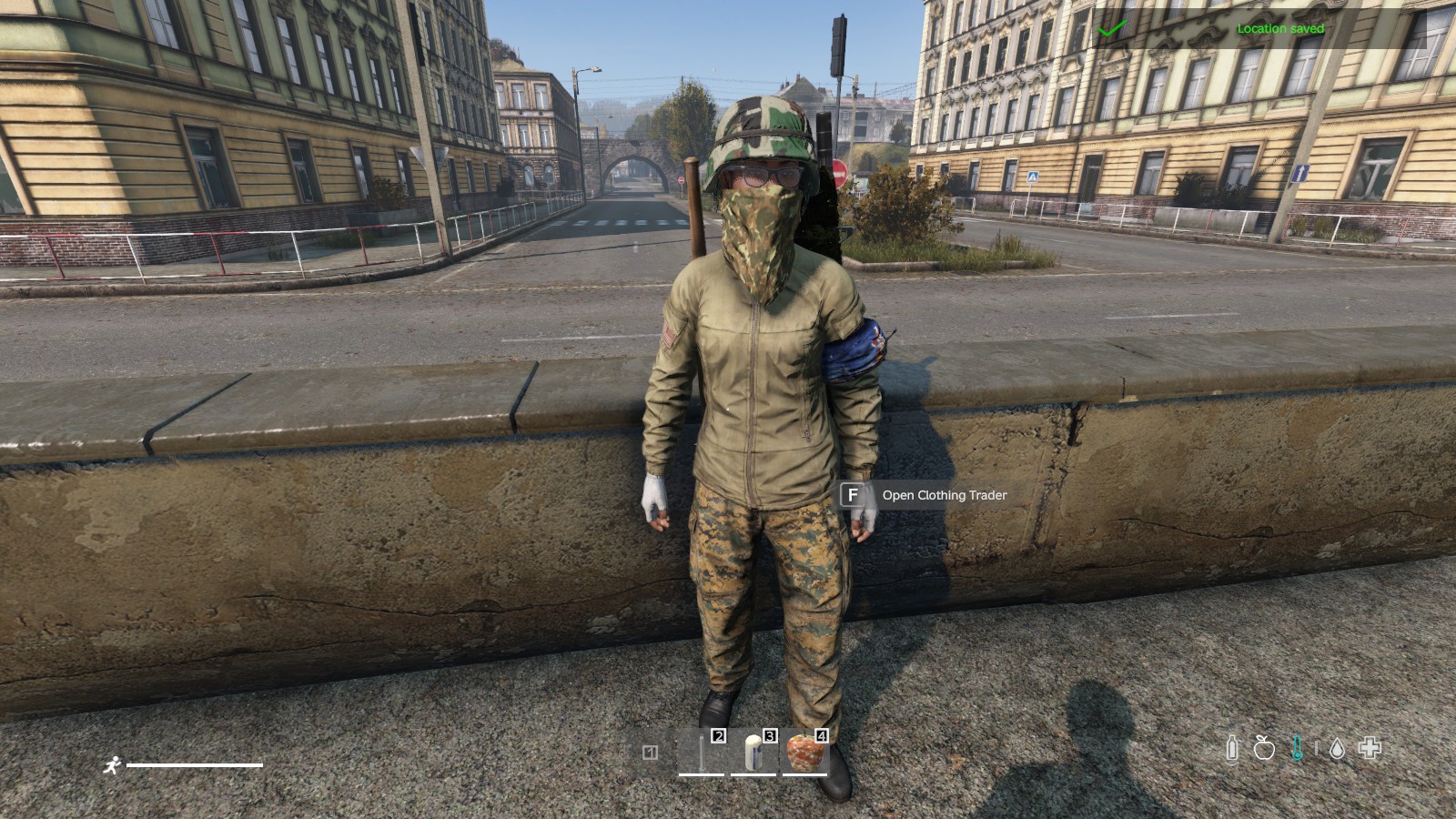
- Safe Zone Armbands: Automatically equips players with a 1000-slot Safe Zone Armband while inside. Admin configurable per trader point, drops contained items safely upon leaving the zone 🎗️
🛠️ Admin Features (In Game Config Menu)
📝 Item Administration
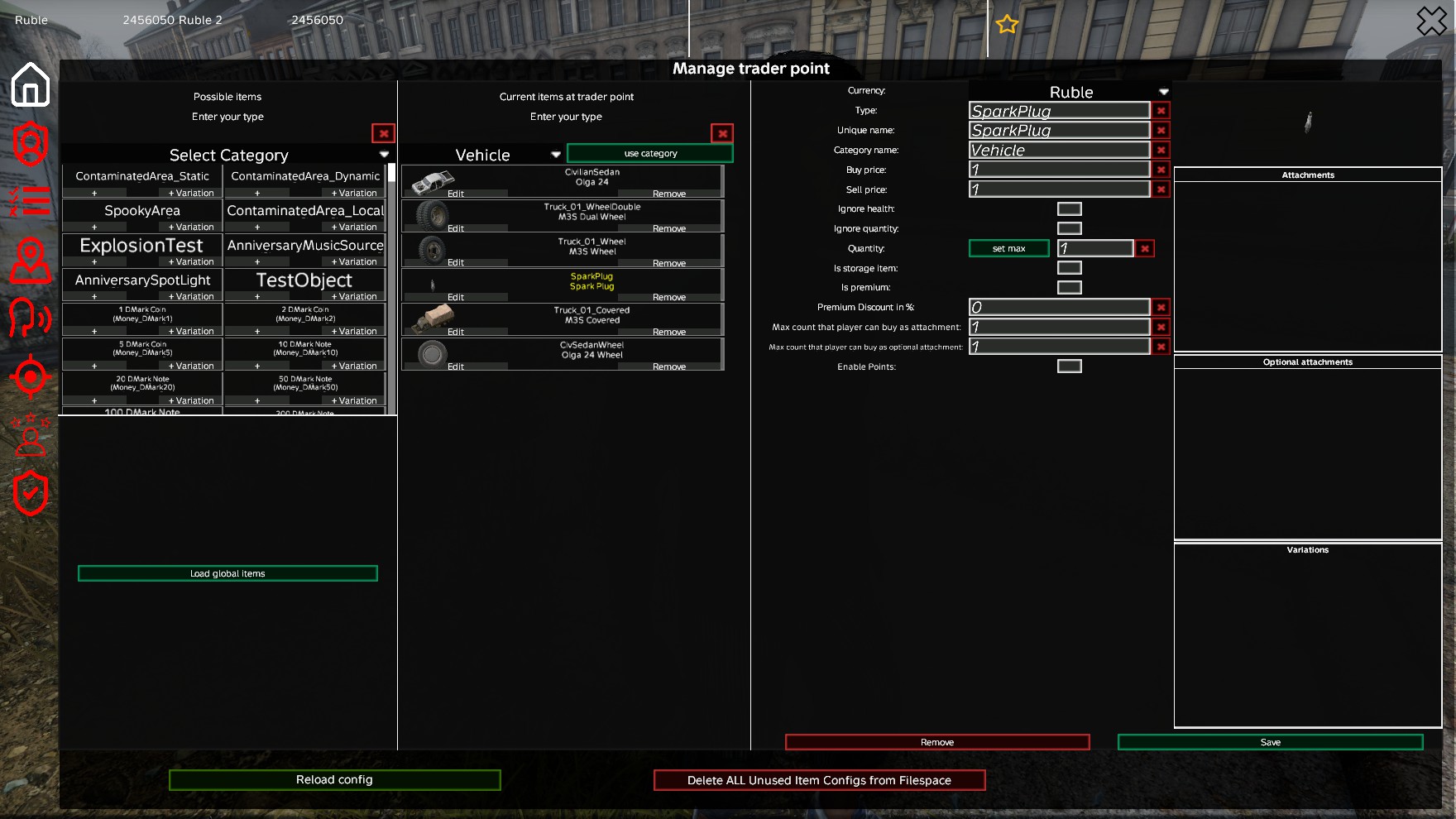
- Add Items: Add new items to trader points from game item database ➕
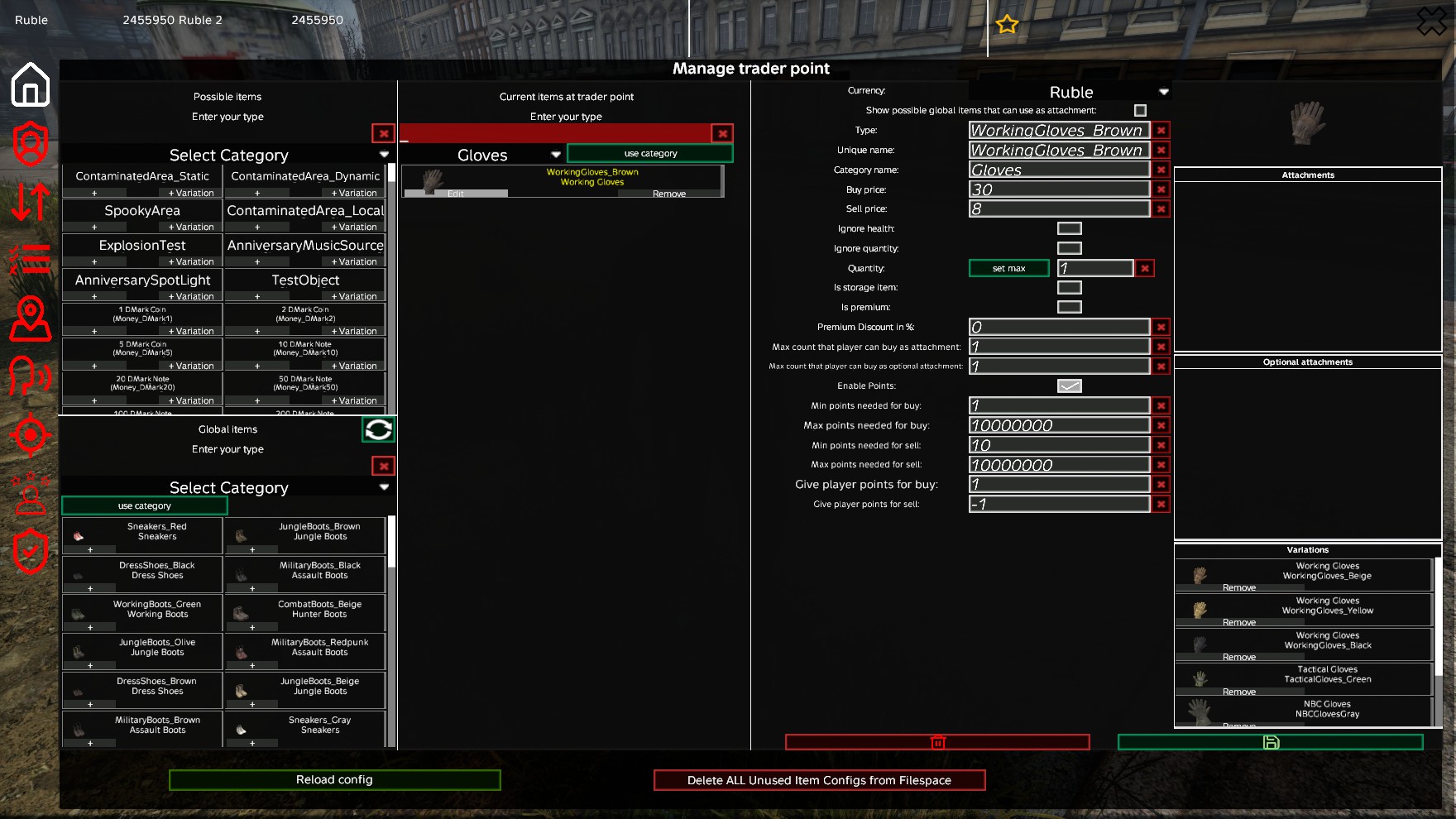
- Edit Items: Modify existing item configurations (prices, quantities, categories, etc.) ✏️
- Clear Input Fields: Clear buttons to all input fields in the Admin Edit Item view for faster editing 🧹
- Remove Items: Delete items from trader points 🗑️
- Global Item Library: Manage items globally across all trader points 📚
- Item Validation: Automatic validation of item configurations ✅
- Bulk Operations: Add items from global library to specific trader points 📦
⚙️ Trader Point Administration
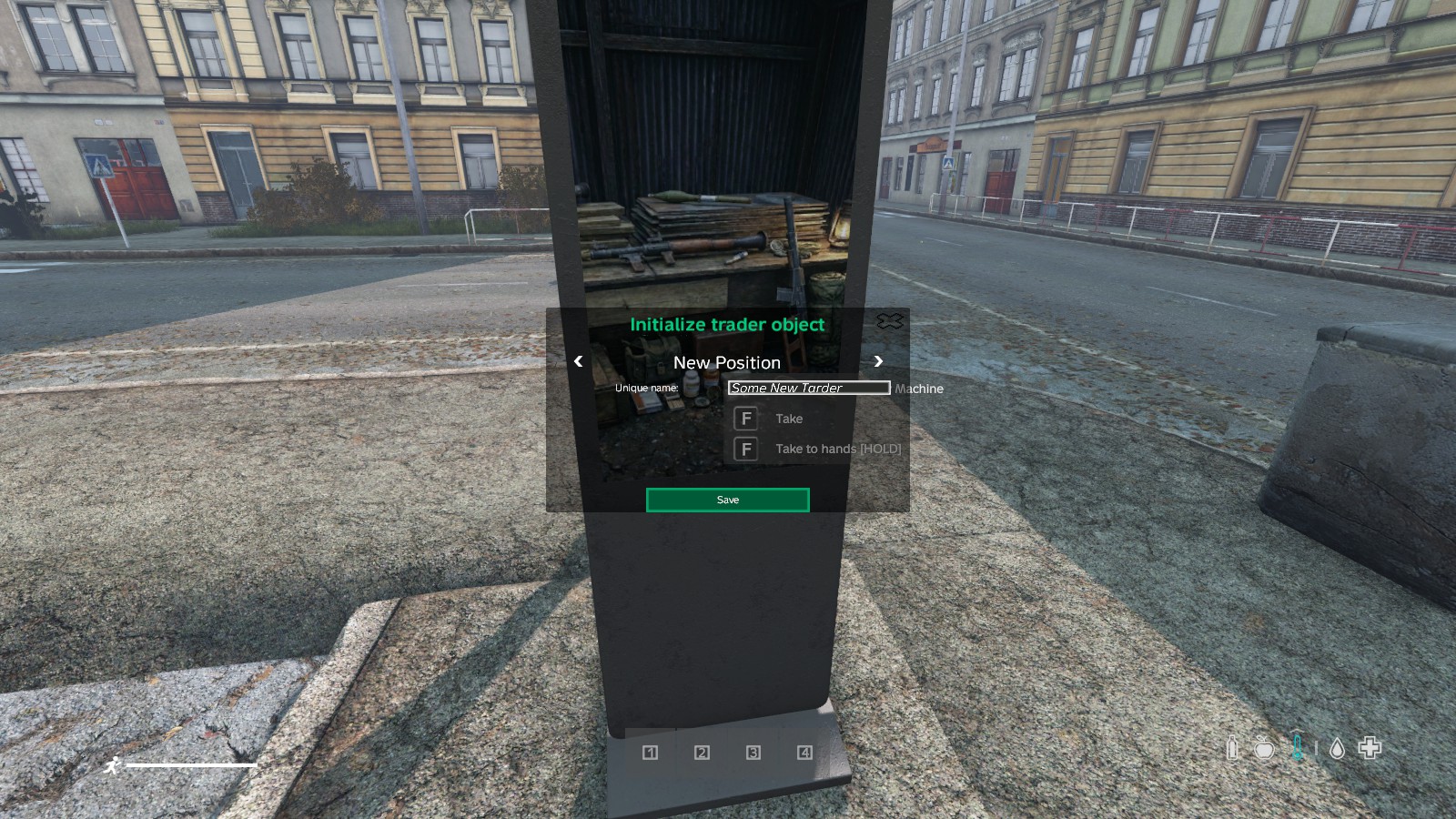
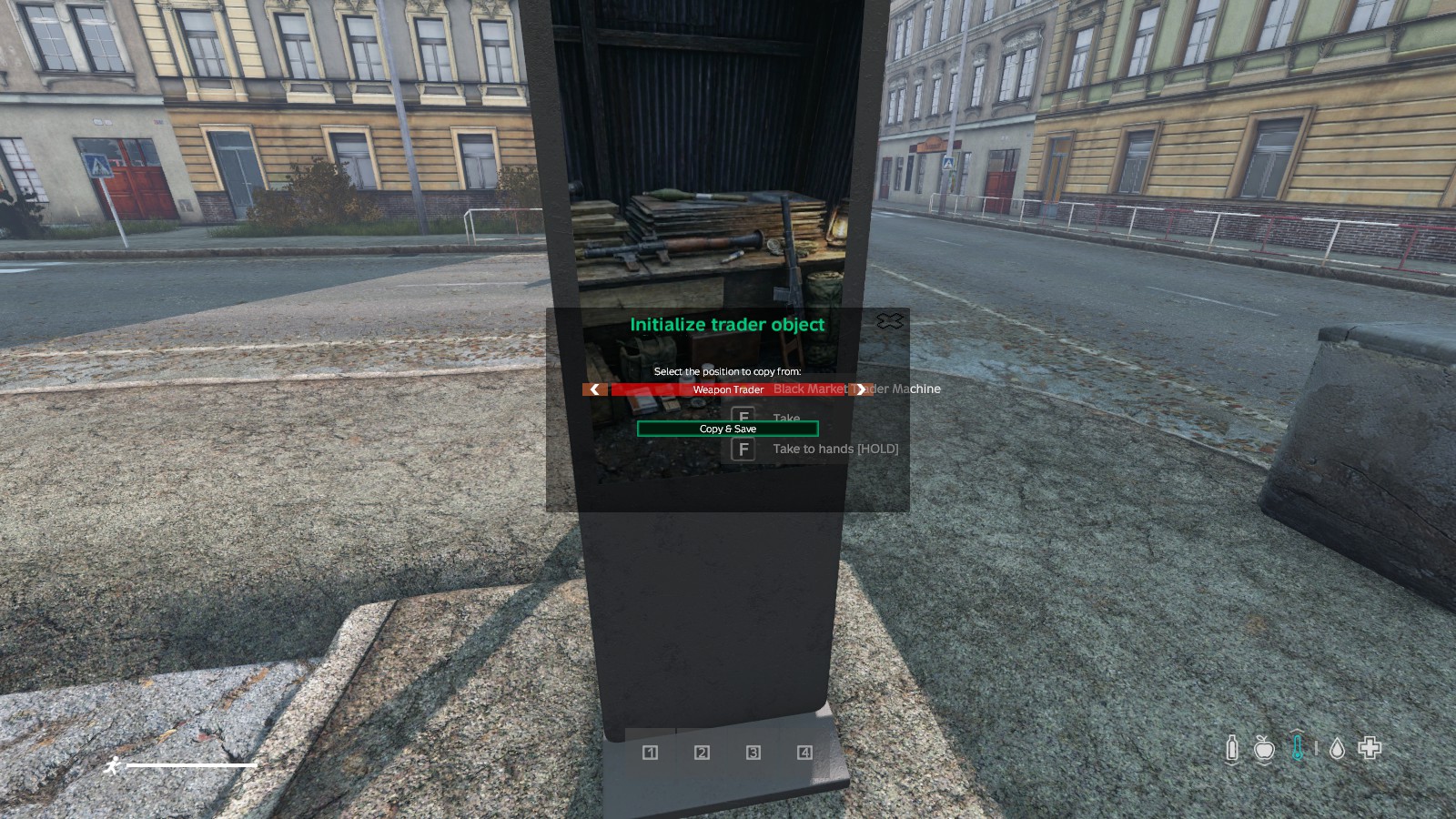
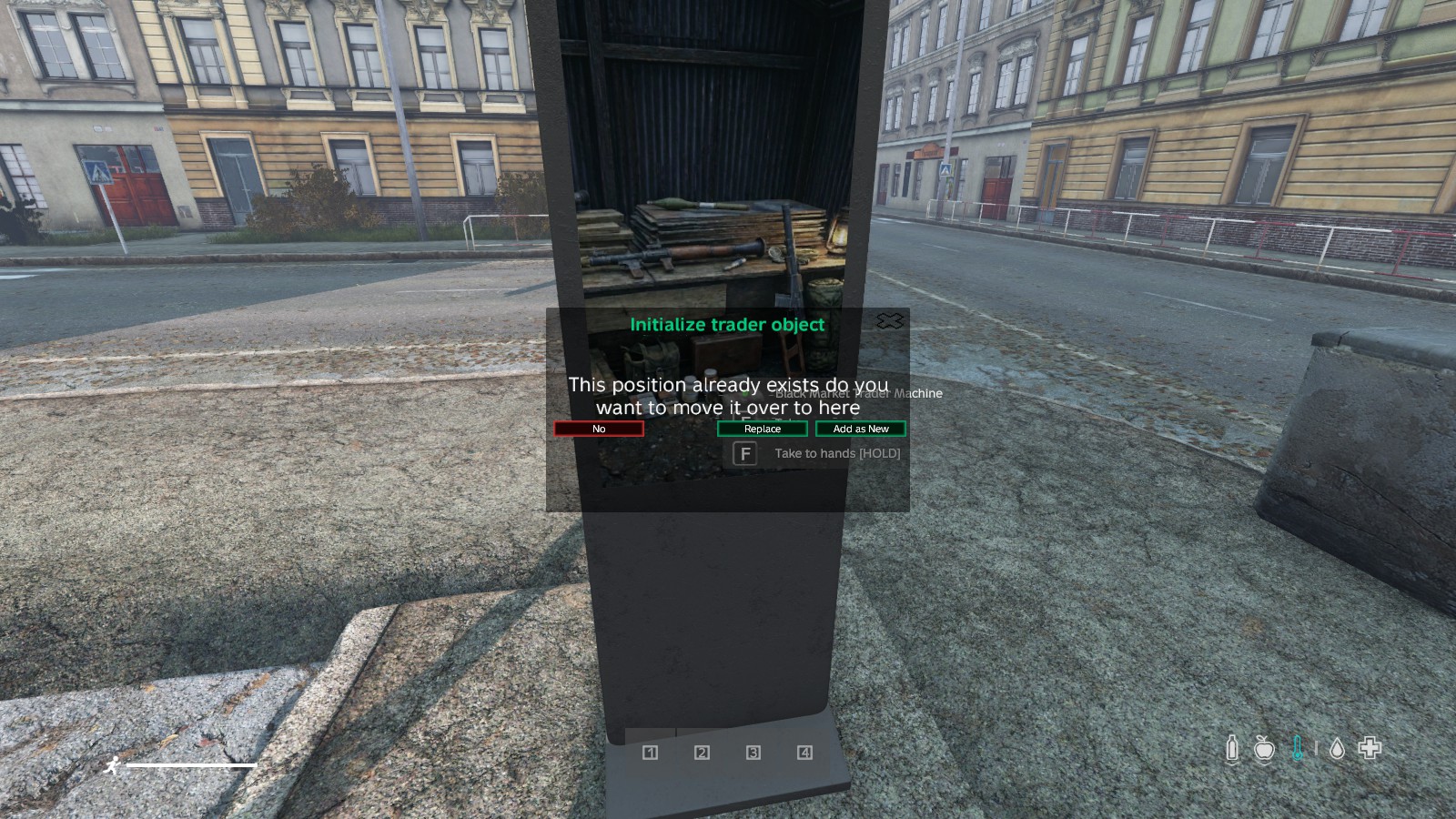
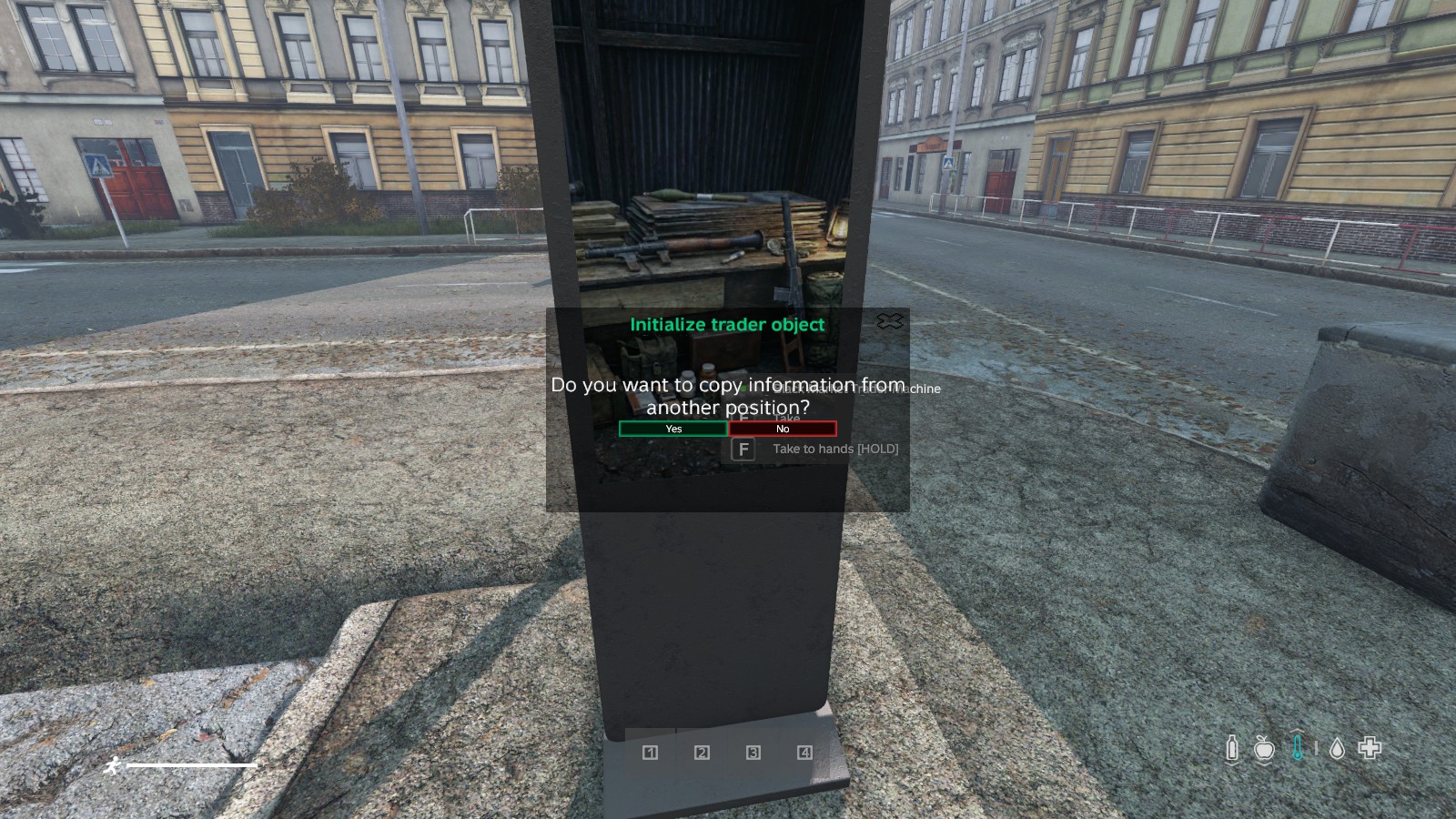
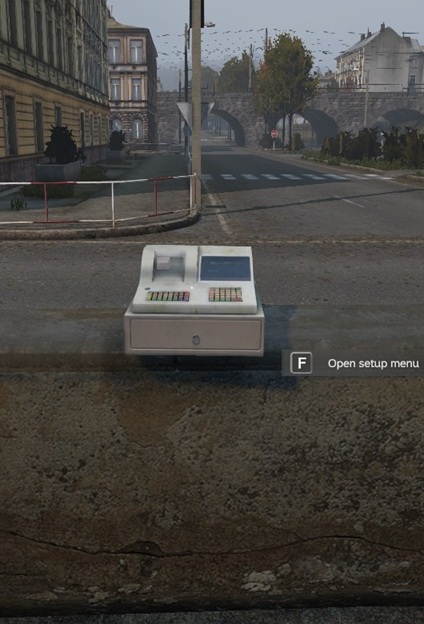
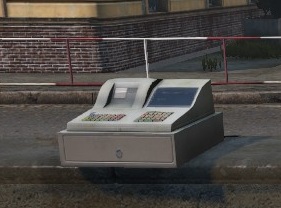
- Create Trader Points: Initialize new trader points using trader machine kits 🏗️
- Delete Trader Points: Remove trader points from the server ❌
- Save Configuration: Save all trader point settings (name, tax, open times, safe zone) 💾
- Reload Configuration: Reload trader configuration without server restart 🔄
- Category Management: Reorder categories via drag-and-drop interface 🖱️
- Position Templates: Copy settings from existing trader points to quickly set up new locations 📋
- Active Position Control: Manage and switch current position between multiple predefined spawn positions directly from the admin menu 📍
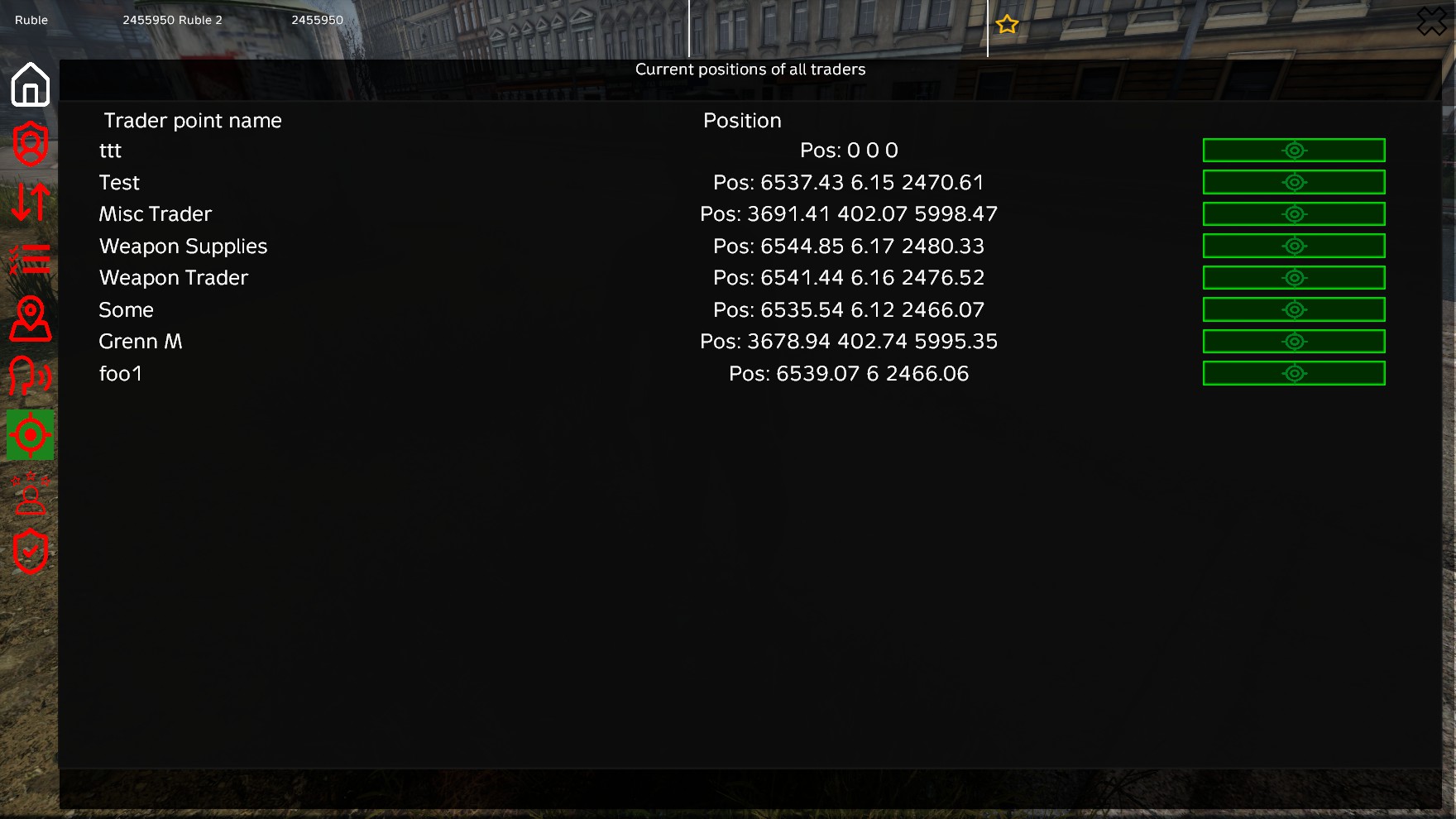
- Global Positions Overview: View all active trader locations across the map in a single list, with the ability to instantly teleport to any of them 🔭
- Ad-hoc Safe Zone Clean Up: Trigger safe zone clean up manually directly from the admin menu 🧹
- Safe Zone Whitelist Configuration: Manage and edit the whitelist of items that are protected from safe zone clean up 🛡️
🔧 Advanced Item Configuration
- Storage Item Setup: Configure items as storage items with dynamic pricing 💹
- Attachment Management: 📎
- Add/remove required attachments
- Add/remove optional attachments
- Move attachments between required and optional
- Variation Management: Add/remove item variations 🔄
- Premium Item Flagging: Mark items as premium-only 🌟
- Currency Assignment: Set currency type per item 💰
💎 Premium Features
👑 Premium System
- Premium Items: Items that can only be purchased by premium players 🔒
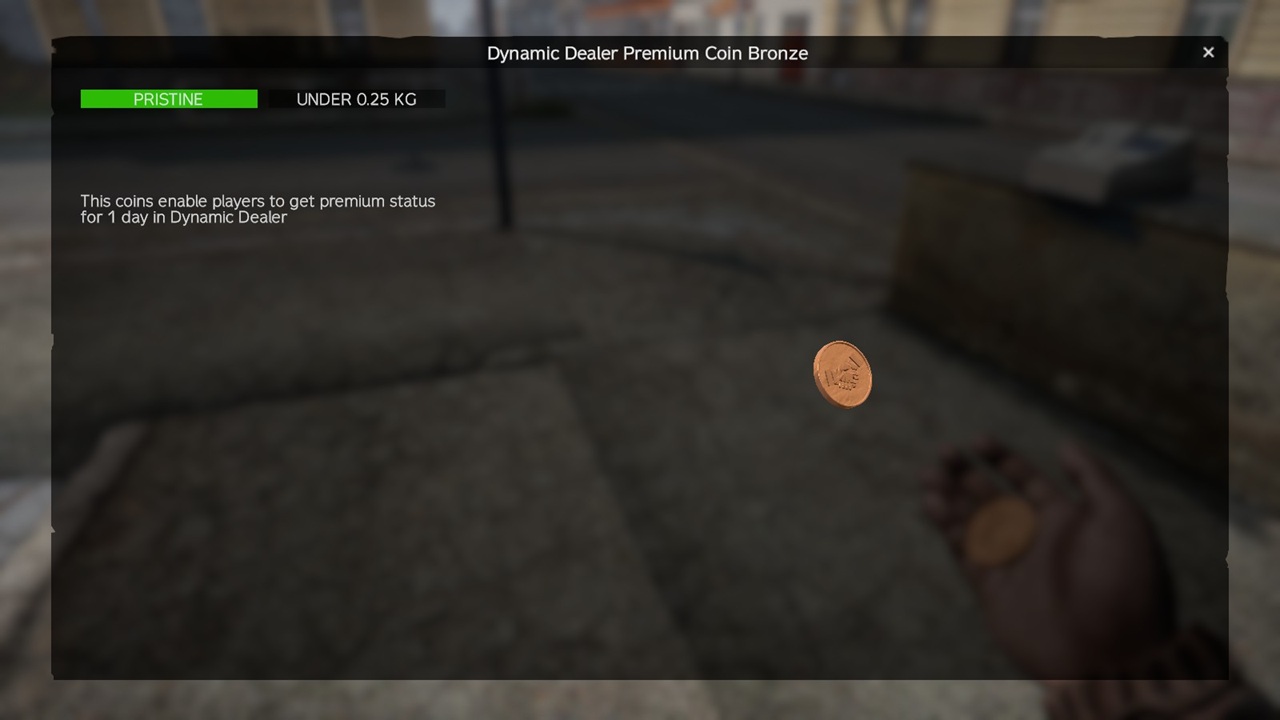
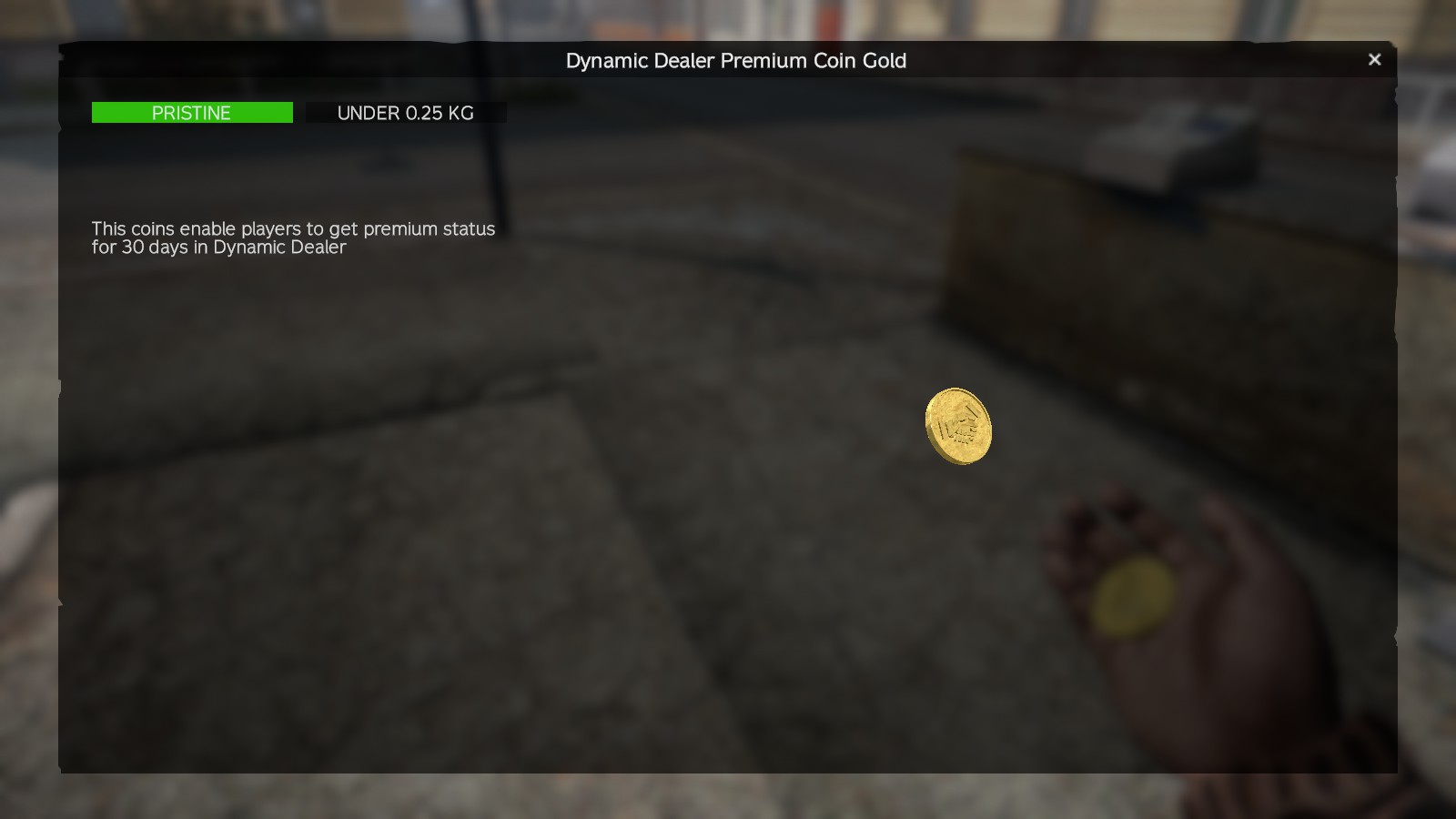
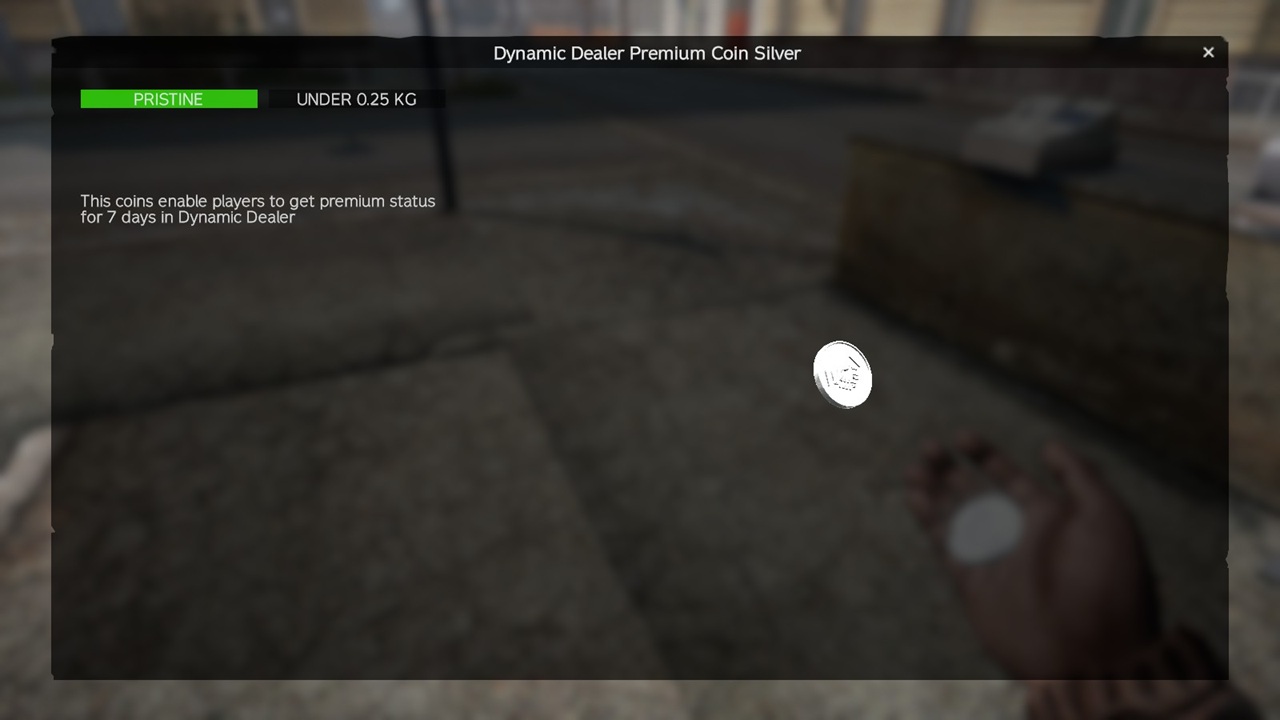
- Premium Coins: 🪙
- Bronze coin (1 day premium) 🥉
- Silver coin (7 days premium) 🥈
- Gold coin (30 days premium) 🥇
- Premium Discounts: Configurable percentage discount for premium members on trader items 💸
- Premium Status Display: Visual indicator of premium status in UI 👁️
🖥️ User Interface
🛒 Main Trading Interface
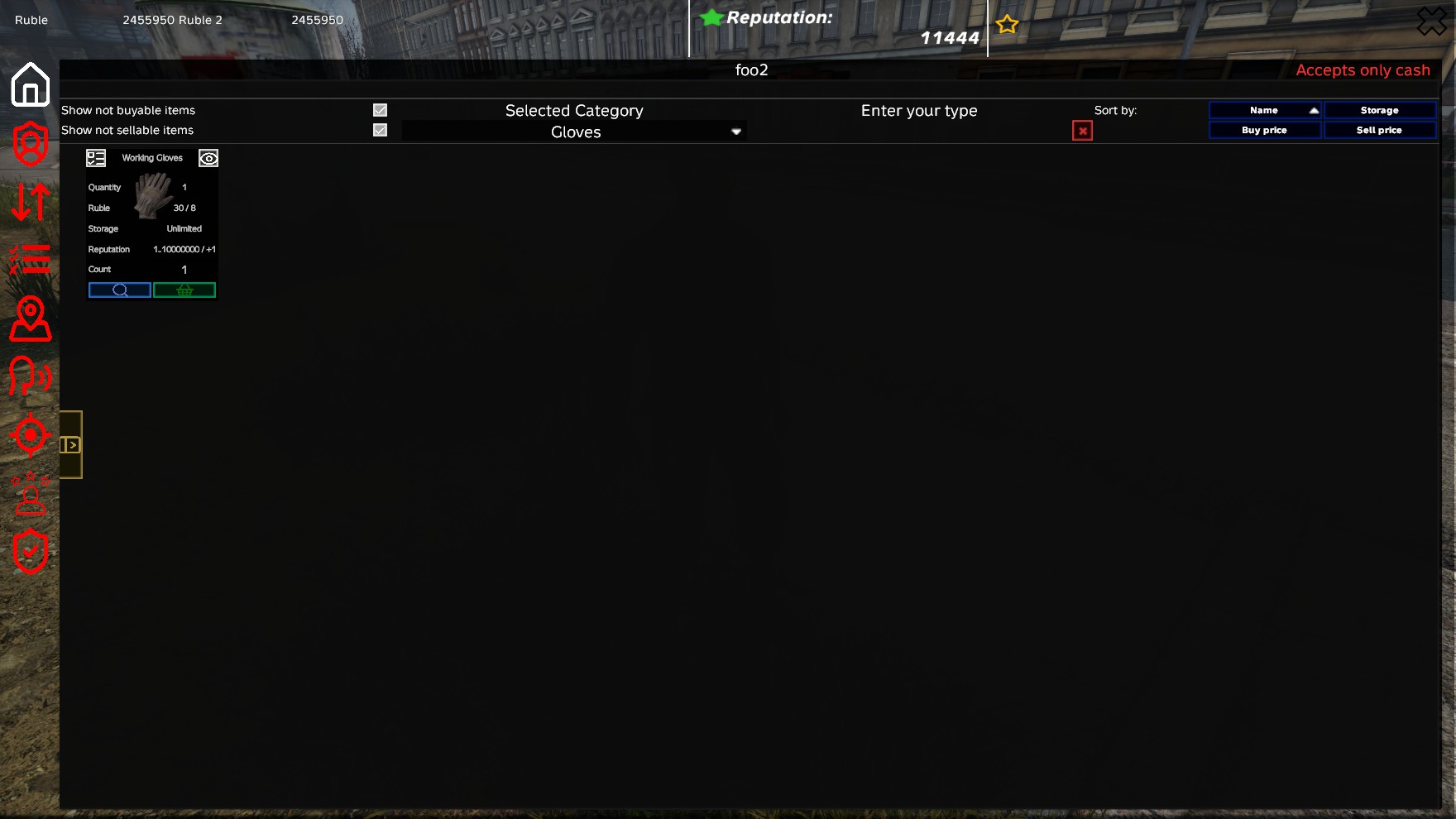
- Modern UI: Clean, responsive user interface 🎨
- Refactored Slide Menu: Player inventory and item details can be hidden using a slide-out design to maximize screen space 📱
- Category Navigation: Browse items by category 📂
- Item Details: View detailed information about items including: ℹ️
- Buy/sell prices
- Storage availability
- Attachments
- Variations
- Player Inventory: View and sell items from player inventory 🎒
- Money Display: Real-time money balance display 💵
- Quick Buy: Fast purchase option for items ⚡
🔍 Filtering and Sorting Features
- Price-Based Visibility Filters: Added two new checkboxes: "Buyable items" and "Sellable items" to toggle visibility of items with zero prices 👁️
- Hide Equipped Items: Checkbox to hide items in player slots and only show items in the inventory 🎒
- Sorting Items: Added dedicated buttons to sort items by Name, Buy Price, Sell Price, and Storage capacity ↕️
👨💼 Admin Interface
- Admin Main Menu: Manage trader point settings 🎛️
- Admin Item Menu: Comprehensive item management interface 📝
- Item Editor: Full-featured item configuration panel ✏️
- Global Items Browser: Browse and manage global item library 🌐
- Category Order Editor: Drag-and-drop category ordering ↕️
- Clean Up Whitelist Menu: Dedicated interface to configure whitelisted item types for safe zone clean up 🛡️
⚙️ Technical Features
💾 Data Management
- Persistent Storage: All trader data saved to files 📁
- Automatic Saving: Regular automatic saves of storage data ⏱️
- Storage Updates: Periodic updates of storage information 🔄
🚀 Performance
- Efficient Updates: Optimized storage and price updates ⚡
- Background Processing: Storage reduction and updates run in background 🧵
- Client-Server Architecture: Efficient RPC system for client-server communication 📡
📊 Logging & Monitoring
📝 Transaction Logging
- Detailed Trade Logs: Logs every buy and sell transaction with player details and timestamps 📋
- CSV Support: Local CSV file generation for easy data analysis and record keeping 📁
- Discord Integration: Real-time trade notifications via Discord Webhooks with rich formatting for better readability 🎨
- Dual Channel Webhooks: Separate webhook configuration for buy and sell actions 🔄
- Admin Control: Toggle different logging types and configure webhooks via in-game menu ⚙️
🔄 Converter Tools (Browser)
🔁 TraderPlus Converter
- Browser-Based: 100% client-side conversion tool 🌐
- ZIP Export: Automatic packaging of converted files 📦
- TraderPlus Import: Convert TraderPlusPriceConfig.json to TBDynamicTrader format 📄
🔁 ExpansionTrader Converter
- Multi-Format Support: Convert ExpansionTrader category files, collection files, and map files 📂
- Browser-Based: No server required 🖥️
- Batch Processing: Handle multiple files at once 📚
🔁 Trader Converter
- Legacy Support: Convert old TraderConfig.txt and TraderObjects.txt formats 📜
- Category Matching: Automatic category assignment 🧩
- Proximity Grouping: Group traders by location 📍
➕ Additional Features
🩹 Item Health Consideration
- Condition-Based Pricing: Sell prices affected by item condition/health 📉
- Condition Can Be Ignored: If enabled, the item's condition no longer affects the sell price (fixed price) ⚖️
- Realistic Economy: Prices reflect item quality 💎
🚫 Error Handling
- Comprehensive Validation: All inputs validated before saving 🛡️
- User-Friendly Messages: Clear error messages for configuration issues ⚠️
- Transaction Safety: Rollback mechanism for failed purchases ↩️
Ratings and reviews
The trader has some good features, and the overall concept behind it is great. However, it still has an enormous number of bugs, and the loading performance is far from ideal. In some cases, you end up spending more time dealing with bugs than actually setting things up. For €55, that's definitely far too expensive — and up until a week ago, you couldn't even sell vehicles.
Comment from TheBuster
Hi,
Bad to hear, that you have trouble with my mod.
This mod was initial not designed to trade vehicles, because of my CarTrader that has specific features just for vehicle trading.
I am currently working on a bigger Update for CarTrader, after this is finished, i will start working on fixing reported Bugs. Sometimes it takes a bit longer, before i find the time to do so.
I am really sorry for, that it takes a bit more time to fixing the reported issues.

Easily the best Trader mod out there. Everything I have been looking for in a Trader mod with even the agility to set moving spawn points! Creator is also very responsive and helpful. Would 100% recommend!

Great mod. Being able to adjust settings and reload config in game is awesome. Moving traders & NPC setup is also a favorite feature for me.

good mod 👌

Genial, ligero como ningún otro trader. El creador, super atento siempre, mejorándolo y actualizándolo para que funcione siempre fino. Características que otros mods no tienen como los precios dinámicos y posiciones dinámicas de los traders. La interfaz podría mejorar pero mejor tener un mod que funcione perfecto a otro que sea bonito y vaya a medias. Las funcionalidades de premium también son exquisitas.
Translation
Awesome—it’s lighter than any other trading mod. The developer is always super responsive, constantly improving and updating it to ensure it runs smoothly. It has features that other mods lack, like dynamic prices and dynamic trader positions. The interface could use some work, but I’d much rather have a mod that works perfectly than one that looks nice but only does a half-decent job. The premium features are also top-notch.

Это лучший Трейдер на сегодняшний день.
Translation
He is the best trader today.

Bin mit der DynamicTrader bin ich echt zufrieden, es geht wie es sein soll! Durch das hin und her wenn man fehler findet, den muss ich großes lob an Thebuster aussprechen, danke für die geduld und große mühe. Mach weiter so.
Translation
I'm really happy with DynamicTrader—it works just as it should! Given all the back-and-forth when bugs are found, I have to give Thebuster a huge shout-out—thanks for your patience and hard work. Keep it up.

I’ve been waiting a long time for a trading mod that’s fast and easy to set up. I see a lot of potential in this mod; the modder is responsive to ideas and feedback, and it’s going to be a great trading mod one day.
I’m blown away by the attention to detail! The textures are incredibly sharp and look stunning in-game. Everything works flawlessly without any bugs or performance drops. It’s definitely the best purchase I’ve made so far—it adds so much value to the gameplay. Highly recommended for anyone looking for top-notch quality!

As a server owner, I can say this is one of the most useful trader mods we’ve added. The system feels well thought out, stable, and very convenient to work with. Dynamic pricing adds much more depth to the economy, and the ability to configure things in-game saves a lot of time compared to older trader setups. It’s flexible, practical, and makes managing the server economy much easier. Definitely a great choice if you want a more modern and functional trader experience for your DayZ server.

⭐⭐⭐⭐⭐ 5/5 – TBDynamicTrader is a Game-Changing Economy System
TBDynamicTrader completely transforms how trading works in DayZ, delivering one of the most advanced and immersive economy systems available.
The standout feature is the dynamic pricing system, where item values actually respond to supply and demand. When stock is low, prices rise—when it’s high, they fall. This creates a realistic, player-driven economy that keeps trading engaging instead of predictable or exploitable.
The warehouse and inventory system takes things even further. Traders operate with real stock limits, persistent storage, and automatic adjustments over time. It adds a strategic layer that makes every transaction feel meaningful.
For server owners, the customisation options are outstanding. You can fully control trader locations, safe zones, taxes, opening hours, currencies, and much more—all without needing constant server restarts thanks to live config tools and an in-game admin interface.
The user interface is clean, modern, and easy to use. Features like item previews, search, sorting, filtering, and quick-buy options make trading smooth and enjoyable for players of all experience levels.
On the backend, the logging and monitoring tools are incredibly useful. With detailed transaction logs, CSV exports, and Discord webhook integration, managing and balancing your server economy becomes effortless.
And if you’re migrating from older systems, the built-in converter tools save a huge amount of time by bringing over existing trader configs with ease.
Final Verdict: TBDynamicTrader isn’t just a trader mod—it’s a full economic overhaul that adds realism, depth, and control to your server.
A must-have for any serious DayZ server looking to create a dynamic, player-driven economy. Absolutely 5 stars.

cant wait to use this mod on to my new map

Super easy to setup the only system to allow admins to manage the traders instant hot reload great reliability barely any performance impact.
I have used a few other systems but nothing is even getting close to this setup clean UI easy to manage and super easy to build traders with.
10/10

Best Trading mod to exist in the community. Very easy to manage and very user friendly and work very well with any if not all most banking mods 9/10
Amazing mod, Great customer service. I got confused setting up the mod and was walked though setting it up. Great mod and thank you for putting up with me!!

Clean and easy to use, set up items for sale ingame huge win for me!